
Gemini Notebook, formerly NotebookLM, is Google’s source-grounded AI research and learning tool for analyzing PDFs and other trusted material. Users create a notebook, add selected sources, ask questions with inline citations, and turn the material into summaries, reports, audio, video, slides, quizzes, flashcards, and other study outputs. It is available on the web and through official iOS and Android apps.
What is Gemini Notebook?
Google renamed NotebookLM to Gemini Notebook on July 16, 2026. Google describes it as the same standalone product, expanded across the Gemini ecosystem. Its defining workflow is source grounding: instead of answering mainly from a general model, a notebook works from the documents, links, media, and notes that the user selects. Citations link answers back to relevant passages so readers can inspect the evidence in context.
This makes Gemini Notebook useful for students reviewing course material, researchers comparing papers, professionals analyzing reports, and anyone who needs a fast first pass through a long PDF. Source grounding does not make every answer correct, so important quotations, interpretations, calculations, and conclusions still require review.
Key features and supported sources
- PDF summaries and cited Q&A: ask focused questions about one source or a selected group and open citations to review the supporting passage.
- Broad source support: import PDF, DOCX, TXT, Markdown, CSV, PPTX, ePub, supported images and audio, pasted text, Google Docs, Slides and Sheets, web pages, and public captioned YouTube videos.
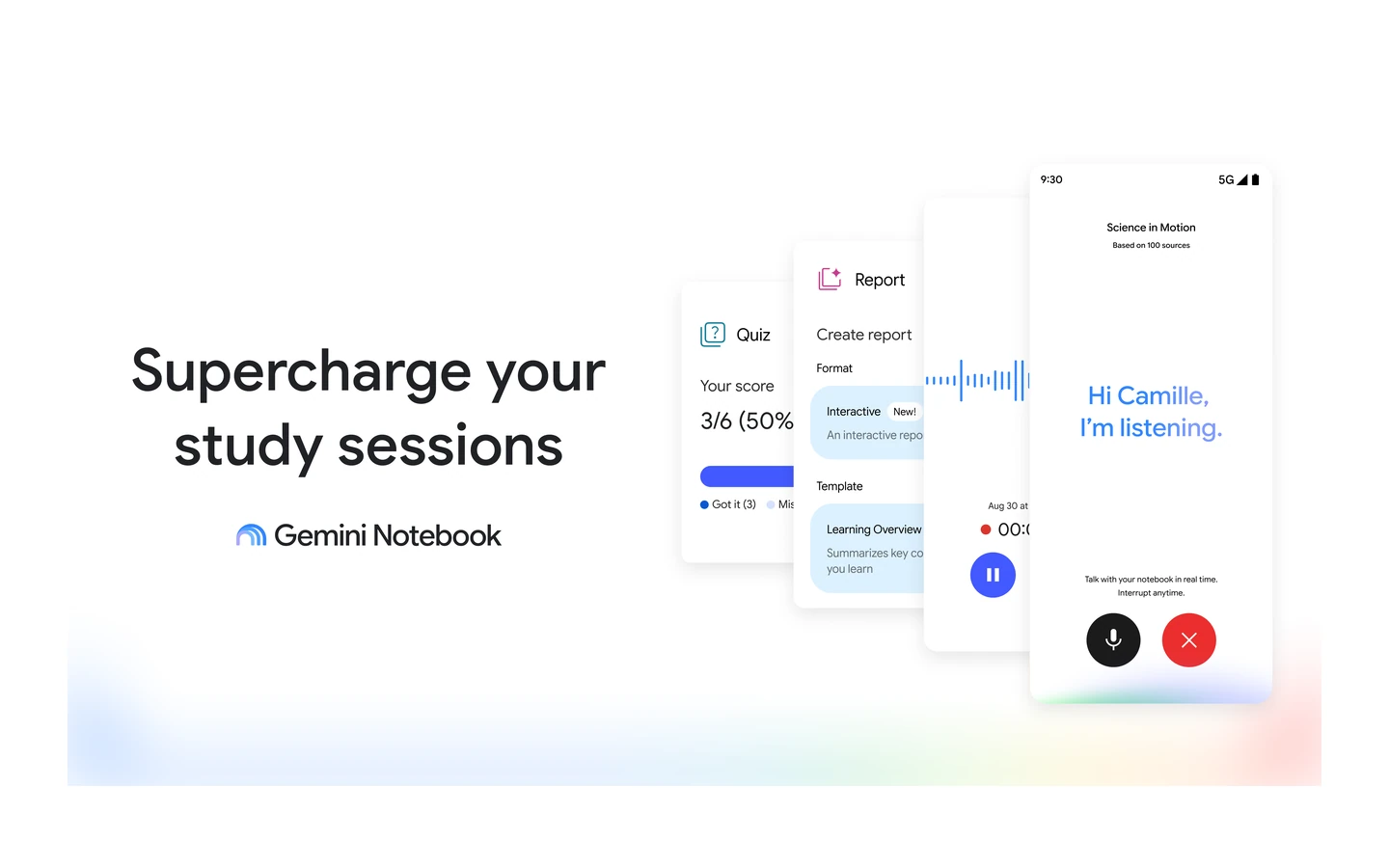
- Studio outputs: generate Audio Overviews, Video Overviews, reports, slide decks, mind maps, infographics, data tables, quizzes, flashcards, and interactive learning overviews.
- Research and notes: discover sources from the web, save useful chat answers as notes, and control which sources a response should use.
- Mobile learning: ask questions, review flashcards or quizzes, listen to downloaded Audio Overviews, and share a PDF, website, YouTube video, audio file, or copied text into a notebook.
- New interactive outputs: eligible adult users can ask the web version to turn notebook sources into an interactive explainer, dashboard, or tracker.
How to use Gemini Notebook for a PDF
- Create a notebook. Open the official web app or mobile app, sign in with a Google Account, and choose to create a new notebook.
- Add the PDF and related sources. Upload a local PDF or import a supported source. Use only material you are allowed to process, and include related documents when comparison is useful.
- Check the source guide. Review the automatic overview, then select the exact sources that should ground the next answer.
- Ask a specific question. Request a concise summary, key claims, methods, evidence, disagreements, or a comparison. Mention source names when several files cover similar topics.
- Open the citations. Select each citation to read the quoted passage in context. Correct the question or source selection when the answer does not match the evidence.
- Create a learning or work output. Use Studio for an Audio Overview, report, slide deck, quiz, flashcards, infographic, mind map, or another available artifact.
- Review before sharing. Check facts, licensing, sensitive information, and AI-generated visuals or narration before downloading or sharing the result.
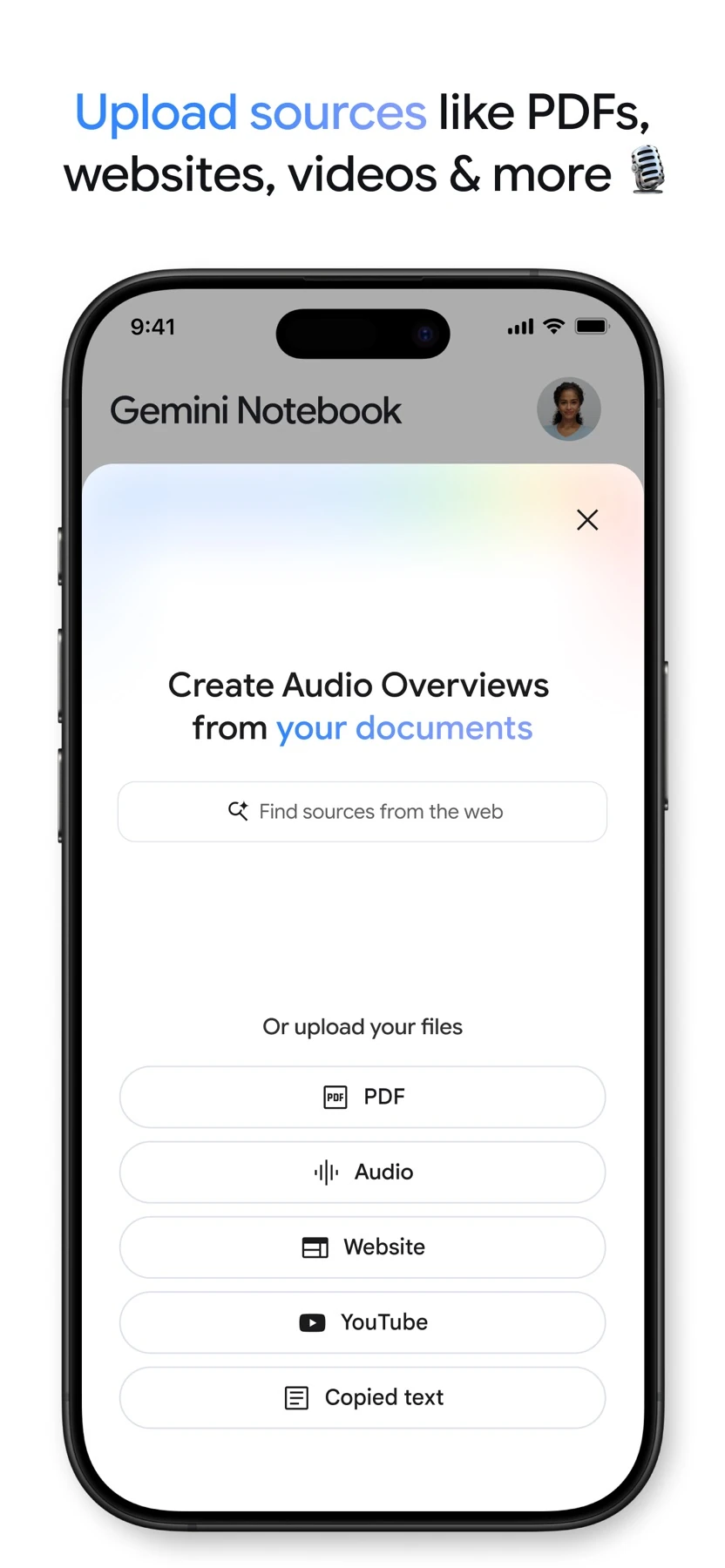
Add a PDF or another supported source, then let Gemini Notebook build a source-grounded workspace.
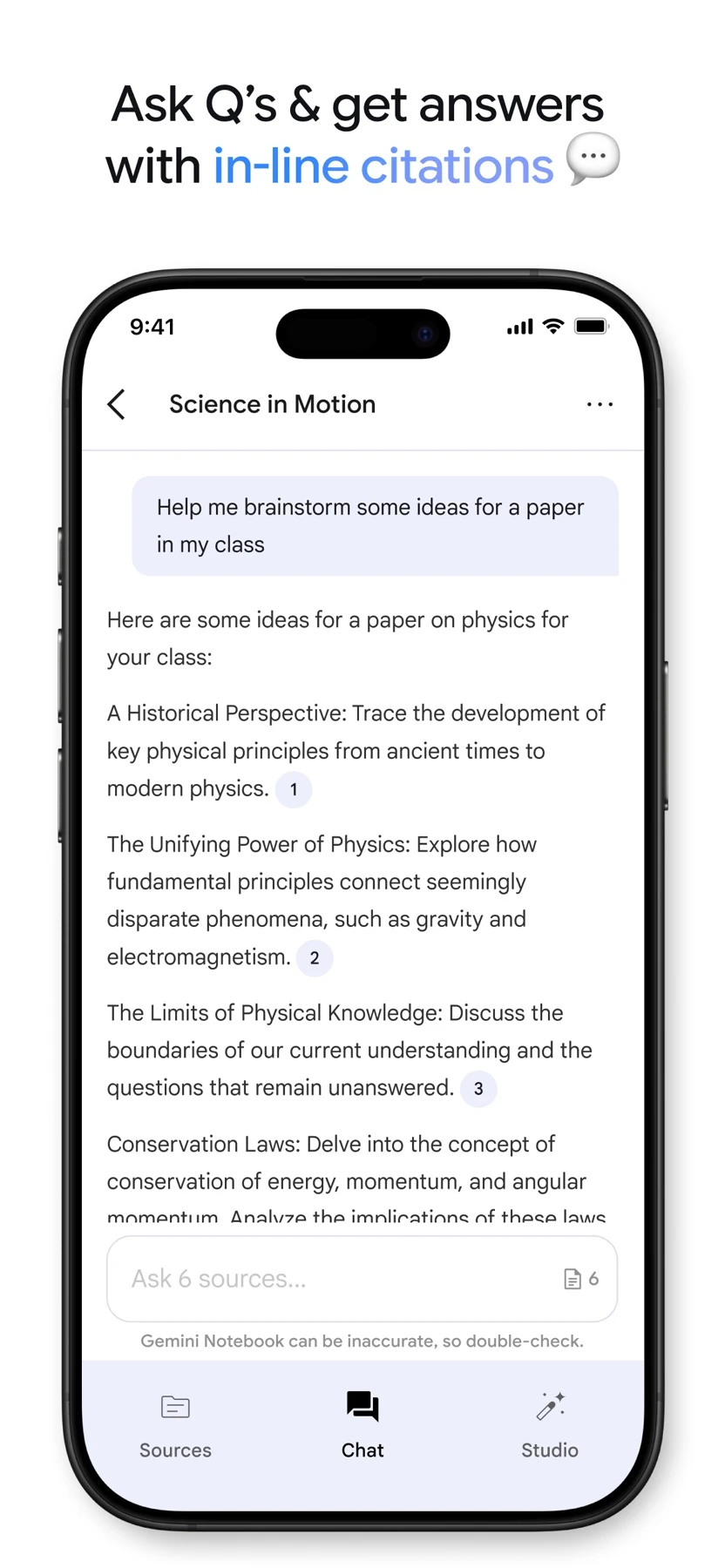
Ask a focused question and open the numbered citations to verify each answer against the original source.
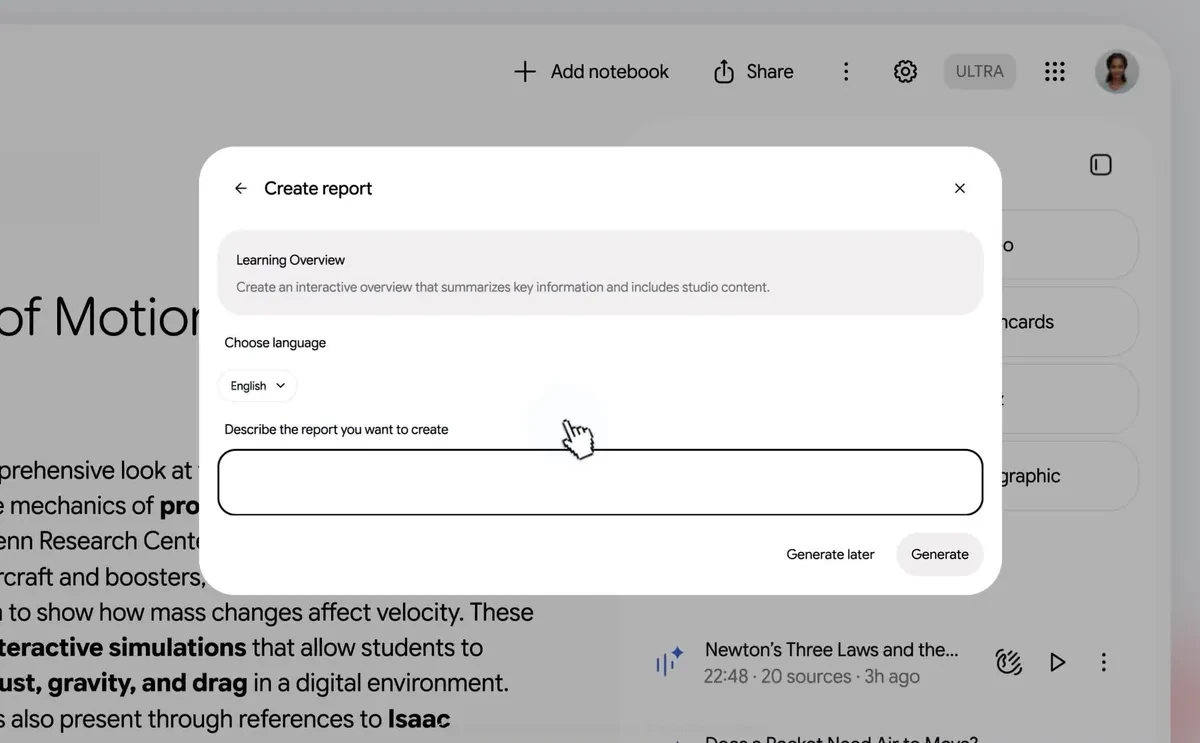
In Studio, choose a Learning Overview and describe the report you want Gemini Notebook to build from your sources.
Recent 2026 updates
Gemini Notebook introduced compute-based usage limits in September 2026, with quotas that refresh every five hours until a weekly limit is reached. Google also rolled out live voice conversations, mobile audio capture, interactive learning overviews, expanded quiz formats, and short Video Overviews. On November 16, Google began rolling out interactive site generation globally on the web for users aged 18 and over; mobile support was still listed as coming soon on the checked date.
Pricing and platforms
Pricing was checked on November 24, 2026. Standard Gemini Notebook access is available at no charge with an eligible Google Account. The current plan table lists 100 notebooks per user, 50 non-note sources per notebook, and 500 note sources per notebook for Standard access. These values and feature quotas are subject to change.
The lowest current paid consumer option shown on the US Google One page is Google AI Plus at $9.99 per month, which provides more Gemini Notebook access and twice the standard compute limits. Google AI Pro is $19.99 per month and provides four times the standard limits. Regional prices, storage bundles, taxes, trials, Workspace entitlements, and feature availability differ, so users should confirm the local checkout page.
Gemini Notebook supports Web, iOS, and Android. The current mobile requirements are iOS or iPadOS 17 and later and Android 10 and later. Some features arrive on the web first or behave differently on mobile.
Important limits and privacy notes
- Each source can contain up to 500,000 words; a local upload can be up to 200 MB. The free plan allows 50 non-note sources per notebook.
- Google Slides imports are limited to 100 slides, and Google Sheets sources are currently limited to 100,000 tokens.
- A web URL import retrieves text only, not embedded images, videos, nested pages, or paywalled content. A YouTube source must be public and have captions.
- Compute use varies with prompt complexity, models, chat length, source count, and the output selected. Limits may change during testing or capacity management.
- Generated answers, audio, video, images, slides, and experimental actions can contain mistakes. Citations support verification but are not a guarantee.
- Google states that consumer data is not used to train Gemini Notebook unless the user submits feedback; submitted feedback may include the full interaction for review. Work and school accounts have separate controls.
Gemini Notebook FAQ
Is Gemini Notebook the same as NotebookLM?
Yes. Google renamed NotebookLM to Gemini Notebook in July 2026 and said it remains the same standalone product.
Is Gemini Notebook free?
Yes. Standard access is available without a paid AI plan, subject to account eligibility, regional availability, and usage limits.
Can Gemini Notebook summarize a PDF with citations?
Yes. Upload the PDF, ask a focused question, and open the inline citations to inspect the supporting text. Copy-protected PDFs or files above the limits may fail to import.
Does Gemini Notebook support iPhone and Android?
Yes. Google provides official apps for iOS/iPadOS 17+ and Android 10+. Mobile features can differ from the web version.
Does Gemini Notebook replace reading the original source?
No. It helps locate and transform relevant information, but users should review original passages and verify important conclusions.