

What is Kilo Code?
Kilo Code is an open-source coding assistant available through integrations for VS Code and JetBrains, a terminal client, and web tools. It can explain a codebase, propose an implementation, and edit files. The model and billing depend on the provider selected.
How to run your first task
- Install the official Kilo Code extension for your IDE, open your project and the Kilo Code panel, then select your account or model provider.
- Start with a narrow request, such as explaining an existing function or outlining tests for it. Provide the relevant file or selection and ask the assistant to show its plan before larger changes.
- Review proposed file changes and any commands, then run the project’s normal tests yourself. Keep API keys and other secrets out of prompts.
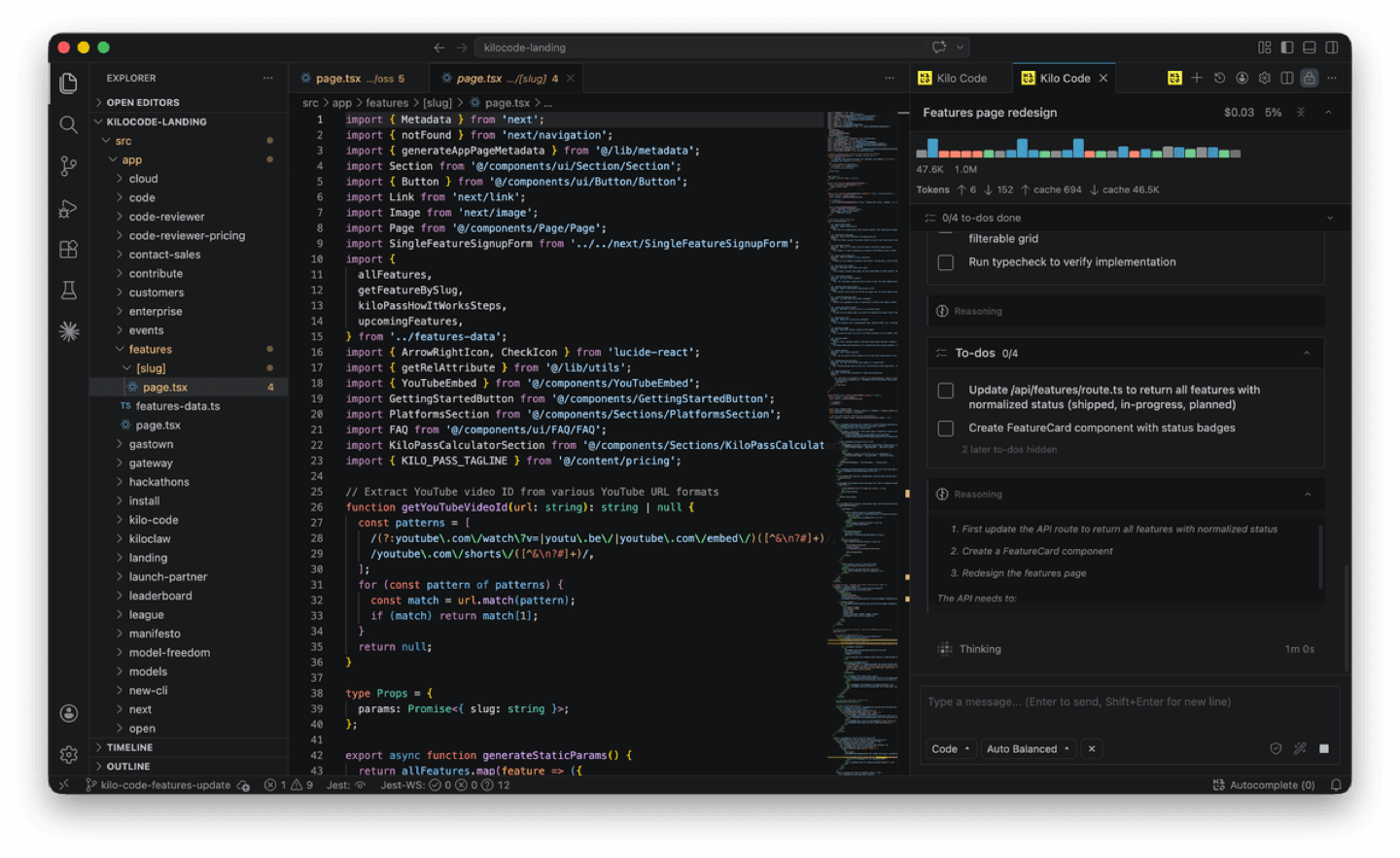
Official guide: check the interface before running the example.
Pricing and limits
The individual platform is free. Free models are available subject to the provider’s terms; premium models can be metered separately. Teams is listed at US$15 per user per month, while the optional Kilo Pass starts at US$19 per month. Review model, cloud, and subscription charges separately.