

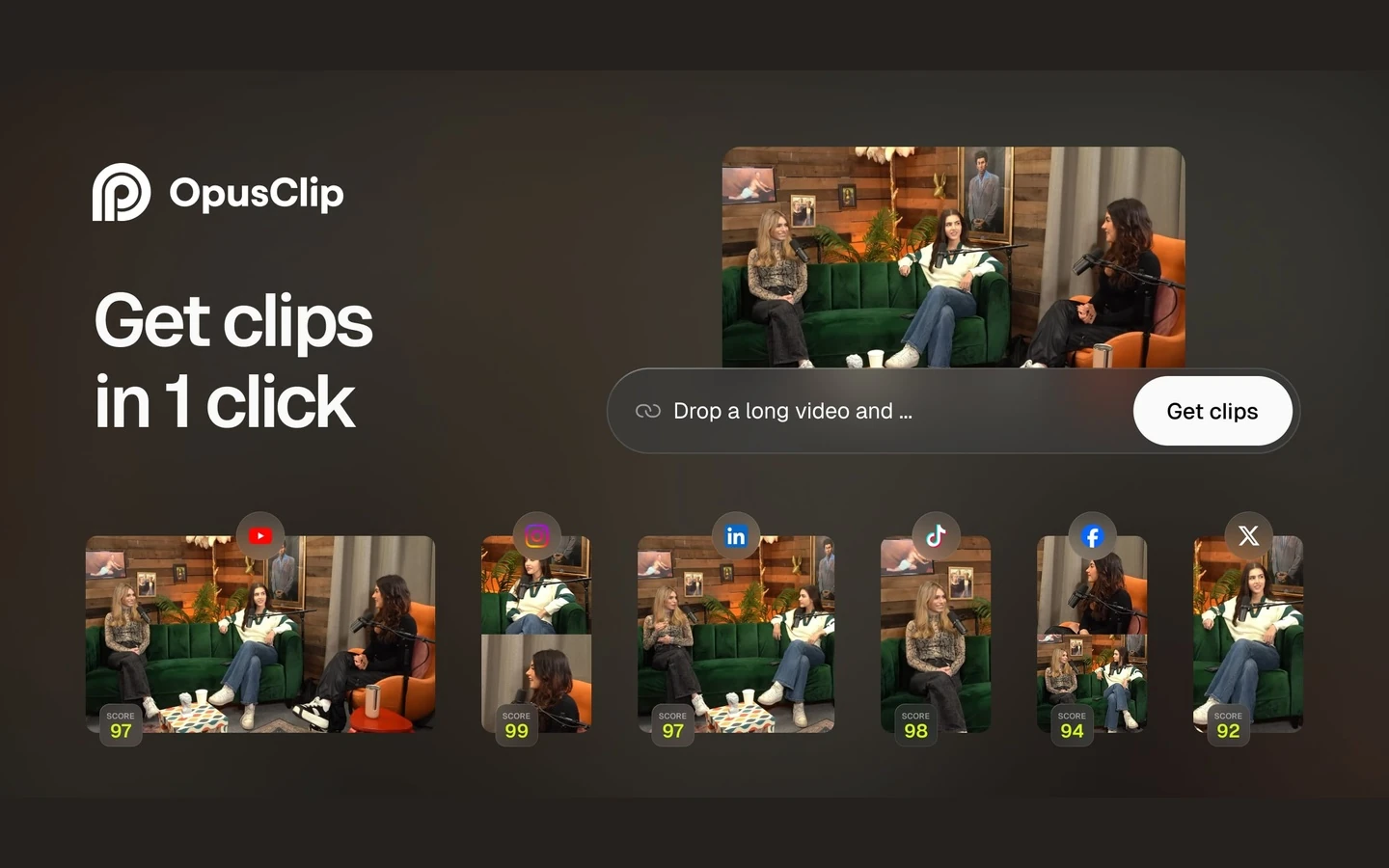
OpusClip is a freemium AI video clipping and editing platform from OpusClip Inc. for creators, podcasters, marketers, agencies, and social media teams. It analyzes long-form footage, selects candidate highlights, turns them into short clips, adds captions, reframes the subject, and can export or publish the results. OpusClip is available on the web and through official iOS and Android apps.
What is OpusClip?
OpusClip is designed to reduce the time spent searching through interviews, podcasts, webinars, vlogs, gaming videos, and other long recordings. Its ClipAnything model evaluates visual, audio, speech, and sentiment cues, while AI Copilot can narrow the source by timeframe, clip length, topic, or prompt where the selected plan supports those controls.
The service is best treated as a first editing pass. It can produce several social-ready candidates from one source, but users should still check the selected moment, caption accuracy, framing, brand elements, and publishing settings before export.
Key features and best use cases
- AI highlight clipping: find candidate moments in podcasts, interviews, educational videos, product demos, sports, gaming, and other supported footage.
- Captions and reframing: create animated subtitles, highlight keywords, and resize footage for vertical, square, or landscape output when the plan allows it.
- Editing assistance: revise by transcript or timeline, remove filler words and pauses, add overlays or B-roll, and improve speech on eligible plans.
- Brand and team workflows: apply brand kits, logos, fonts, intros, and outros, then collaborate in a shared workspace on Pro or Business.
- Export and social publishing: download clips or connect supported social accounts; Pro adds scheduling, more destinations, and professional XML export.
How to use OpusClip
- Sign in and add a source. Paste a supported video link or upload a local file. Available import services and upload limits depend on the plan.
- Choose the clipping goal. Select a target duration, timeframe, layout, spoken language, or a prompt describing the moment you want.
- Generate candidate clips. Let OpusClip analyze the footage, then compare the proposed clips and any available Virality Score.
- Review and edit. Correct captions, adjust framing, trim the sequence, apply a brand kit, and inspect any AI-created B-roll or voice content.
- Export or publish. Download the final file or send it to a connected social account. Confirm the title, description, aspect ratio, rights, and scheduled time first.
Pricing and platforms
Pricing was checked on November 21, 2026. OpusClip uses a freemium model. Free includes 60 credits per month, clips rendered up to 1080p, automatic reframing, and AI captions. Free exports carry an OpusClip watermark, editing is unavailable, and clips stop being exportable after three days. The official site also advertises a seven-day Pro trial for new users without requiring a credit card.
The lowest paid subscription is Starter at $15 per month, billed monthly. It includes 150 credits per month, Virality Score, captions in 20 or more languages, an editor, one brand kit, filler and silence removal, watermark-free exports, and a longer export window. Pro is listed at $29 month to month or $14.50 per month when $174 is billed annually; it adds broader import sources, multiple aspect ratios, scheduling, team features, B-roll, and selected professional exports.
OpusClip works in a desktop web browser and has official iOS and Android apps. Mobile availability and features can vary by region and device; the web version provides the broadest editing, import, scheduling, and collaboration controls.
Important limitations
- AI-selected clips and Virality Scores are recommendations, not guarantees of views, engagement, or business results.
- The Free plan has a watermark, no editor, a three-day export deadline, and fewer import, aspect-ratio, publishing, and customization options.
- Credit use and storage or export retention depend on the plan. Reprocessing a long source can consume additional allowance.
- Mobile apps do not mirror every web feature, and Android availability or editing functions may differ by region and release.
- Users remain responsible for rights to uploaded footage, music, faces, voices, and brands, and should verify AI captions before publishing.
OpusClip FAQ
Can I use OpusClip for free?
Yes. Free accounts receive 60 credits each month, 1080p rendering, reframing, and captions, but clips have a watermark, cannot be edited, and expire for export after three days.
What videos work with OpusClip?
OpusClip supports talking-head and non-talking-head content, including podcasts, interviews, vlogs, gaming, sports, education, and product videos. Input sources and file limits vary by plan.
Can OpusClip post directly to social media?
Paid plans support direct posting to selected destinations, and Pro adds a scheduler and more account connections. Availability depends on the plan and the destination account type.
Does OpusClip guarantee a viral clip?
No. Its selection and score can help prioritize candidates, but performance still depends on the source, edit, audience, platform, timing, and distribution.