
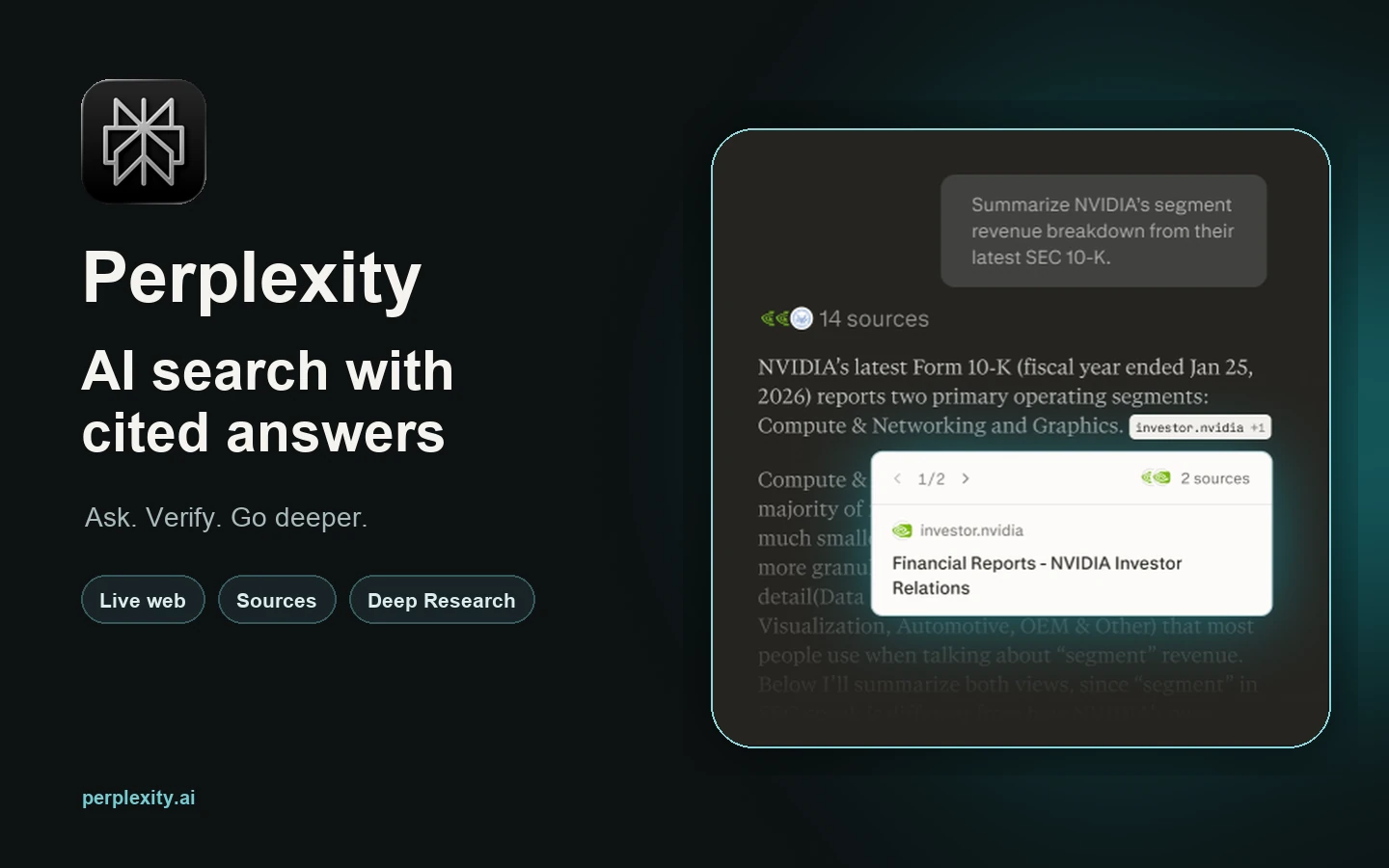
Perplexity is an AI answer engine from Perplexity AI that searches the live web and returns direct answers with inline citations. It is designed for students, researchers, knowledge workers, and everyday users who want a summarized response while retaining links to the underlying sources. Perplexity Search is available on the web, iOS, Android, and through an official macOS app.
What is Perplexity?
Perplexity combines a conversational interface with web search. Instead of showing only a ranked list of pages, it researches a question, synthesizes information, and attaches numbered citations that can be opened to inspect the source. Follow-up questions remain in the same session, so users can narrow a topic without repeating all of the context.
The core product is Perplexity Search. The broader Perplexity service also offers Research for longer multi-step reports, Projects for recurring research with saved files and instructions, file analysis, and paid access to advanced models. Perplexity Computer and the Comet browser are related products, but this listing focuses on the search and research workflow.
Key features and best use cases
- Live-web answers with citations: Perplexity searches its current web index, writes a concise answer, and links claims to source pages that users can open and compare.
- Conversational follow-ups: ask for clarification, a comparison, a table, a shorter explanation, or a different perspective within the same research session.
- Pro Search and Research: paid plans expand access to deeper searches and longer reports. The current Free plan includes a small daily Pro Search allowance and one Research query per month.
- Model routing and selection: the default experience chooses an appropriate model. Pro users can select from supported advanced models, whose availability changes over time.
- Files and Projects: upload supported documents for analysis and organize repeated work in Projects with saved instructions, files, and context. Current Pro documentation permits up to 50 files per project.
- Study and research support: students can use cited answers to map a topic, compare arguments, find primary sources, and build study questions. Education Pro adds verified student and educator benefits.
How to use Perplexity
- Open Perplexity Search. Visit the official website or install the iOS or Android app. Core search is free; signing in lets you save and sync sessions.
- Ask a specific question. Include the topic, date range, country, intended audience, and desired format when they matter. A precise prompt usually produces a more useful answer.
- Inspect the citations. Open the numbered references or source panel and confirm that the cited passage supports the claim. Prefer original documents, official pages, and primary research where possible.
- Ask follow-up questions. Request a comparison, missing counterarguments, a simpler explanation, or a list of uncertainties without starting a new session.
- Choose a deeper mode when needed. Use Pro Search for a more involved question or Research for a longer multi-source report. Availability and quotas depend on the plan.
- Save or organize the result. Keep useful sessions in a Project, add relevant files or instructions, and export or share only after checking the evidence.
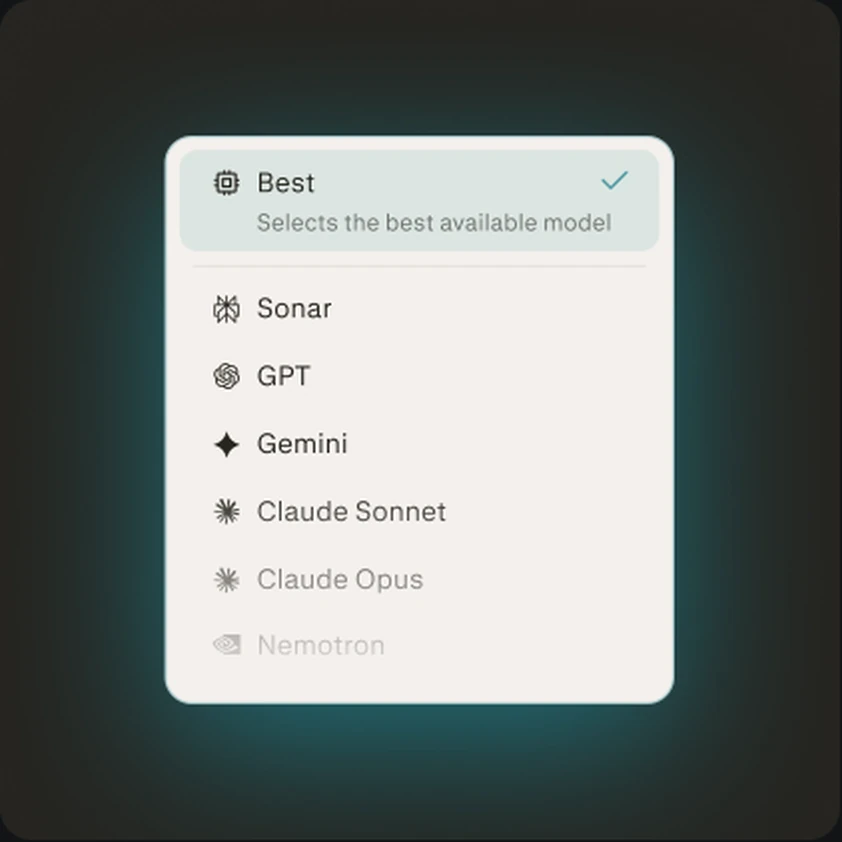
Perplexity can choose the best available model, while eligible paid users can select supported advanced models.
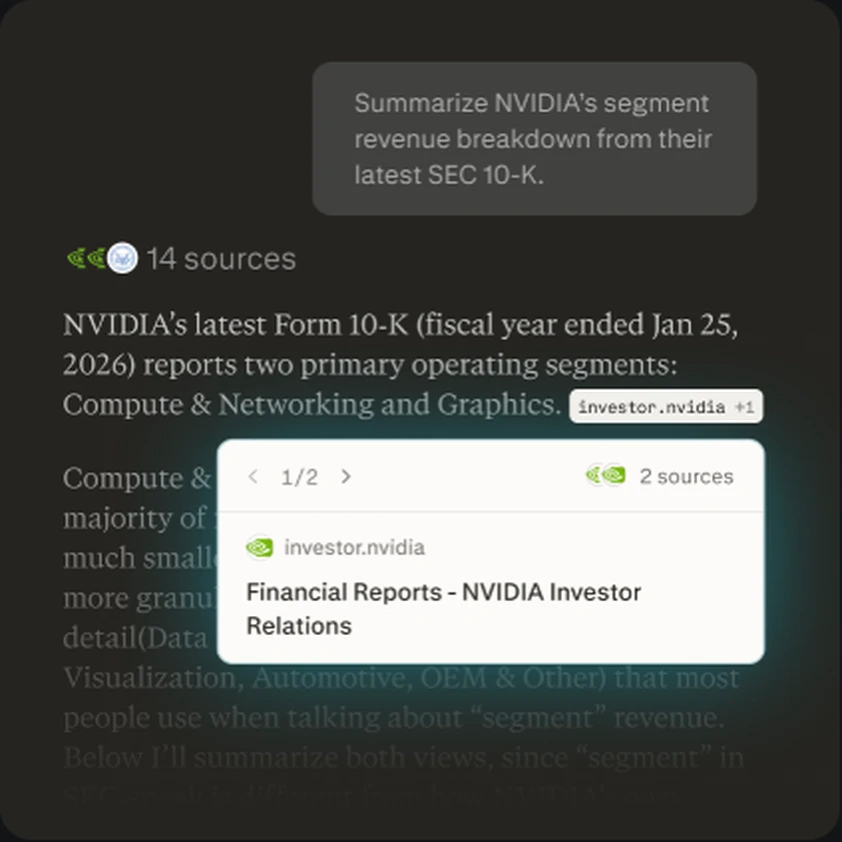
Open the cited source and inspect the supporting passage before relying on an important claim.
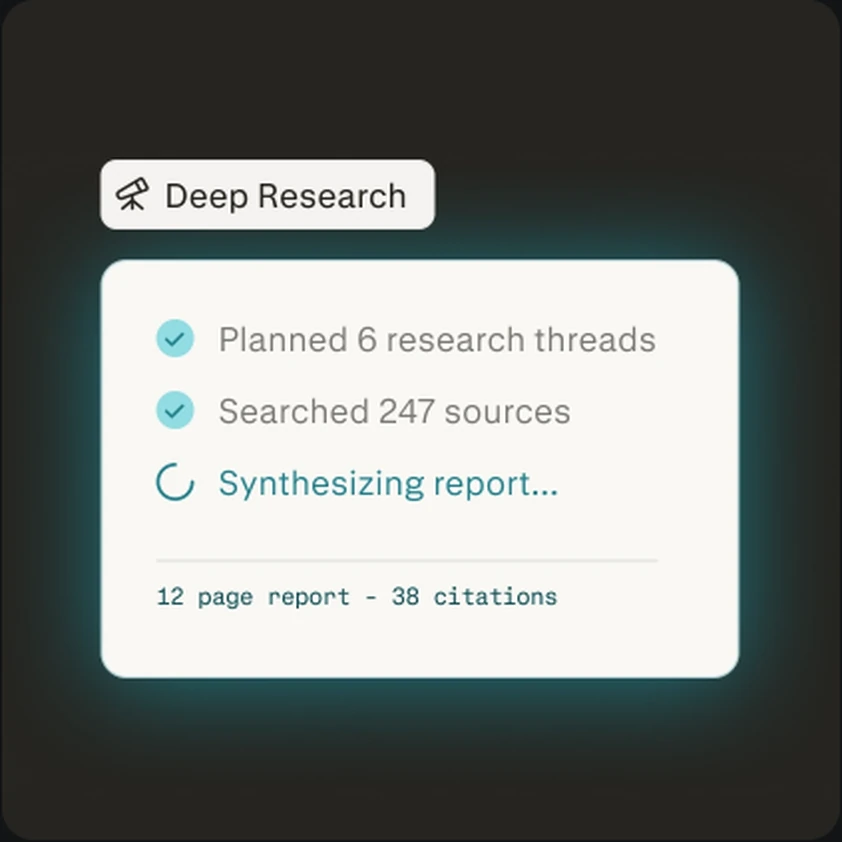
Research mode plans multiple research threads, searches many sources, and synthesizes a cited report.
Pricing, free limits, and platforms
Pricing and limits were checked on November 24, 2026. The Standard plan is free and includes practically unlimited basic searches, search history, limited file uploads, 3 Pro Searches per day, and 1 Research query per month. The current plan table says Free users cannot manually access advanced models, image generation, or premium support.
Perplexity Pro costs $20 per month or $200 per year. It increases Pro Search, Research, file-analysis, and creation limits; adds advanced model selection, image generation, limited video generation, and priority support; and supports up to 50 files per project. Perplexity describes several paid quotas as average-use limits, so the exact allowance can change with product capacity and policy.
Education Pro is $10 per month for eligible students and educators verified through SheerID. Max and Enterprise plans provide higher limits for power users and organizations. API access is a separate pay-as-you-go product and is not included in the $20 consumer starting price.
The core service is available on Web, iOS, Android, and macOS. Perplexity also offers the Comet browser on additional platforms, but Comet should not be confused with a separate native Windows app for Perplexity Search.
Important limitations
- A cited answer can still contain an incorrect interpretation, unsupported wording, bias, or an omitted viewpoint. Open the original source before relying on an important claim.
- For medical, legal, financial, academic, or other high-stakes work, use qualified professional guidance and follow the citation rules of the institution or publisher.
- Free and paid quotas can change. The September 2026 plan table is more current than older tutorials that describe different Pro Search limits.
- Advanced models, generation tools, larger file limits, and priority support require a paid plan. Some paid limits are not published as fixed numbers.
- Uploaded files may contain sensitive information. Review Perplexity's privacy, training opt-out, and retention settings before adding confidential material.
- The consumer subscription and developer API are billed separately.
Perplexity FAQ
Is Perplexity free?
Yes. The Standard plan provides core search and chat at no cost, with limited Pro Search, Research, and file uploads. Pro costs $20 per month or $200 per year.
Does Perplexity always cite its sources?
Perplexity Search is built around inline citations. Users should still open each important reference because a citation does not automatically prove that every sentence is correct.
How is Perplexity different from a traditional search engine?
A traditional search engine mainly returns links. Perplexity synthesizes an answer first and attaches source links, which is faster for exploration but makes source checking essential.
Is Perplexity useful for students?
Yes. It can help discover sources, compare explanations, generate study questions, and map an unfamiliar topic. Students should cite the original sources rather than treating the AI answer as the academic source.
Which devices support Perplexity?
Perplexity Search works on the web and has official iOS and Android apps. An official Perplexity macOS app is also available.