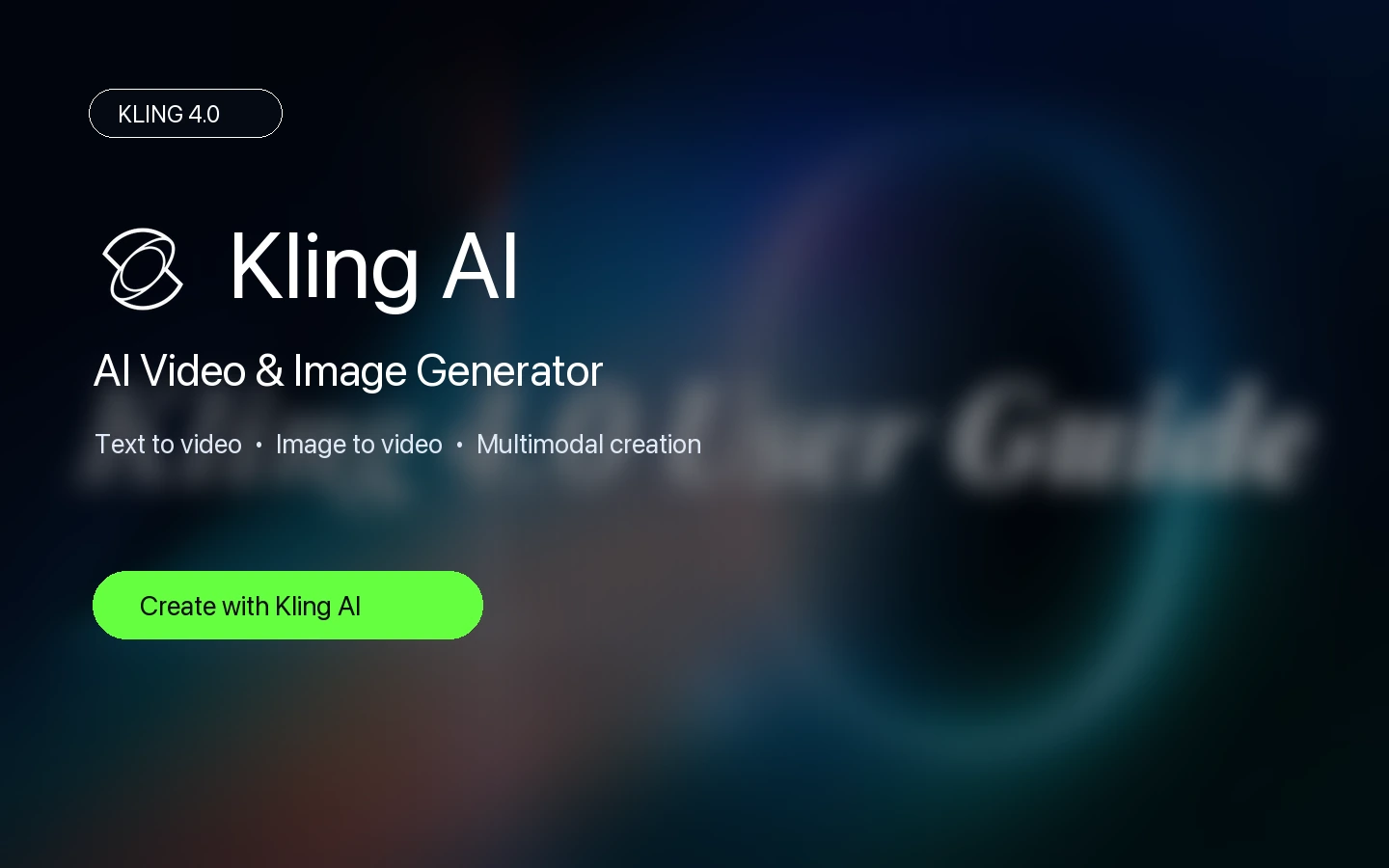
Kling AI is an AI video and image creation platform from Kuaishou that converts prompts and reference assets into cinematic visual content. Its public studio combines text-to-video, image-to-video, image generation, motion control, avatars, video editing and multimodal reference workflows in one interface. It is especially useful for short-form creators, marketers, filmmakers and ecommerce teams that want more control than a one-click video template.
What is Kling AI?
Kling AI lets users describe a scene or upload images, videos, subjects and voice references, then generate a new video from those inputs. The current Kling 4.0 model focuses on stable complex motion, coherent storytelling and precise control. Its official guide lists generation from 3 to 30 seconds in one task, output at 720p, 1080p or 4K, multiple aspect ratios and up to 10 keyframes. Omni Reference can combine up to 15 reference assets across images, videos, voice profiles and reusable elements.
The platform also includes image generation, AI portraits, character design, lip sync, video-to-audio, image enhancement and a visual canvas. This makes Kling useful not only for experimental clips but also for product demonstrations, localized ads, music visuals, storyboards and social campaigns.
Key features
- Text to video: describe the subject, action, location, visual style and camera movement to generate a video without uploading a source image.
- Image to video: animate a still image, use first and last frames or define multiple keyframes to control how a scene changes.
- Omni Reference: combine character images, reference footage, voice profiles and other assets while explaining the role of each item in the prompt.
- Motion and camera control: request tracking shots, pans, push-ins, pull-outs, orbit shots and complex movement with improved continuity.
- Native audio and multilingual output: supported workflows can create dialogue, sound and readable text in several languages, including English, Spanish and Portuguese.
- Image tools: create and edit images, generate consistent sets, enhance detail and prepare source frames for video.
How to use Kling AI
- Open the official studio and sign in. Choose Video Generation for a clip or Image Generation for a still image.
- Select a model and workflow. Kling 4.0 Omni Reference is suited to mixed assets, while Keyframes is better when specific moments must appear at exact points.
- Add references when needed. Upload an image, video, subject or voice profile. Use the @ reference system in the prompt so Kling knows which asset controls the character, motion, camera or audio.
- Write a structured prompt. Include the subject, action, scene, lighting, camera movement, duration and aspect ratio. Put spoken dialogue in quotation marks and specify the language or accent.
- Choose output settings. Set duration, resolution, aspect ratio and number of outputs. Higher resolution and longer clips normally consume more credits.
- Generate, review and refine. Check character consistency, hands, text, camera movement and audio. Adjust the prompt or references instead of repeatedly making the same request.
- Export only after final review. Confirm licensing, commercial-use rights and disclosure requirements for every uploaded and generated asset.
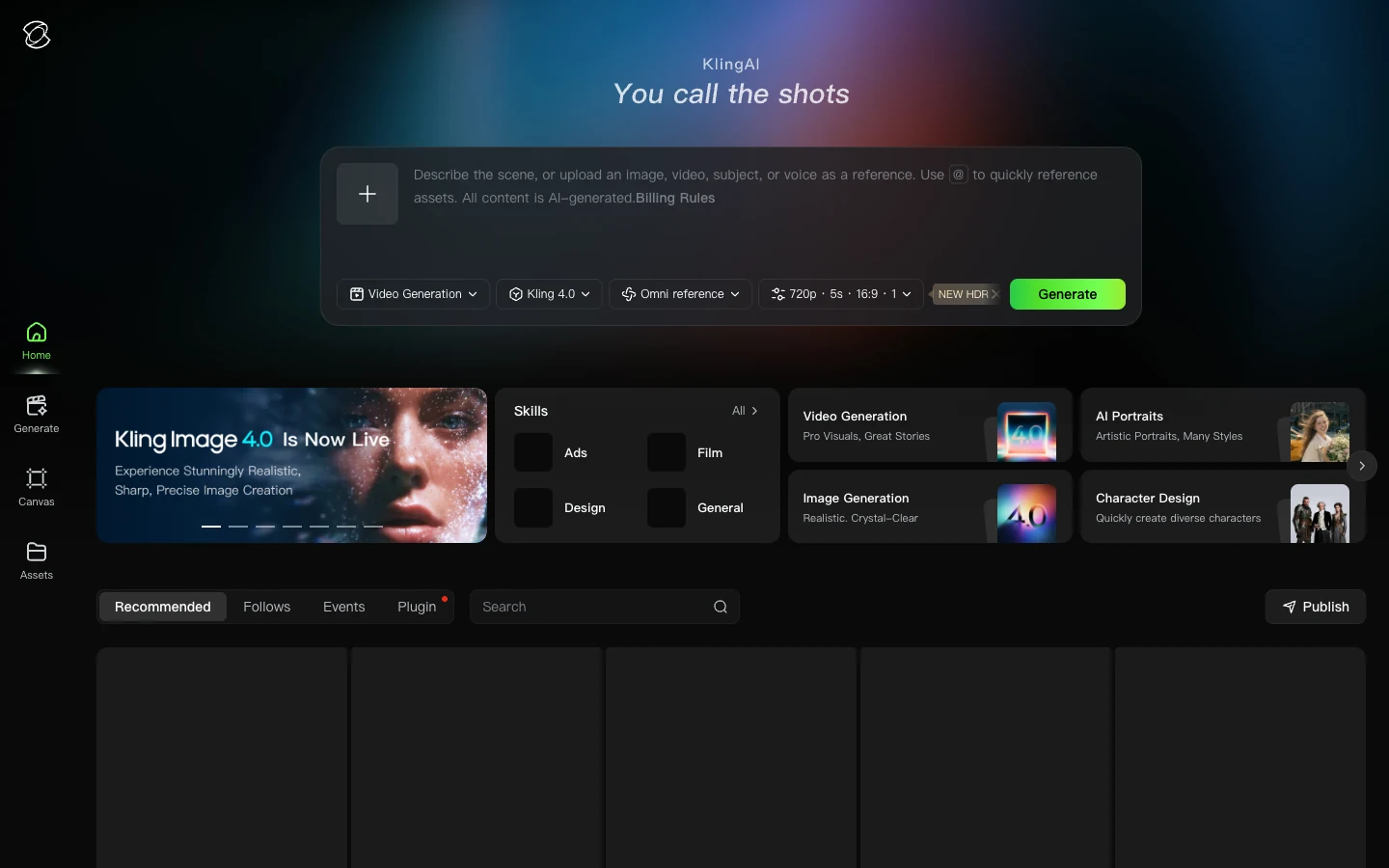
Choose Video Generation, Kling 4.0, a reference mode, resolution, duration and aspect ratio before generating.
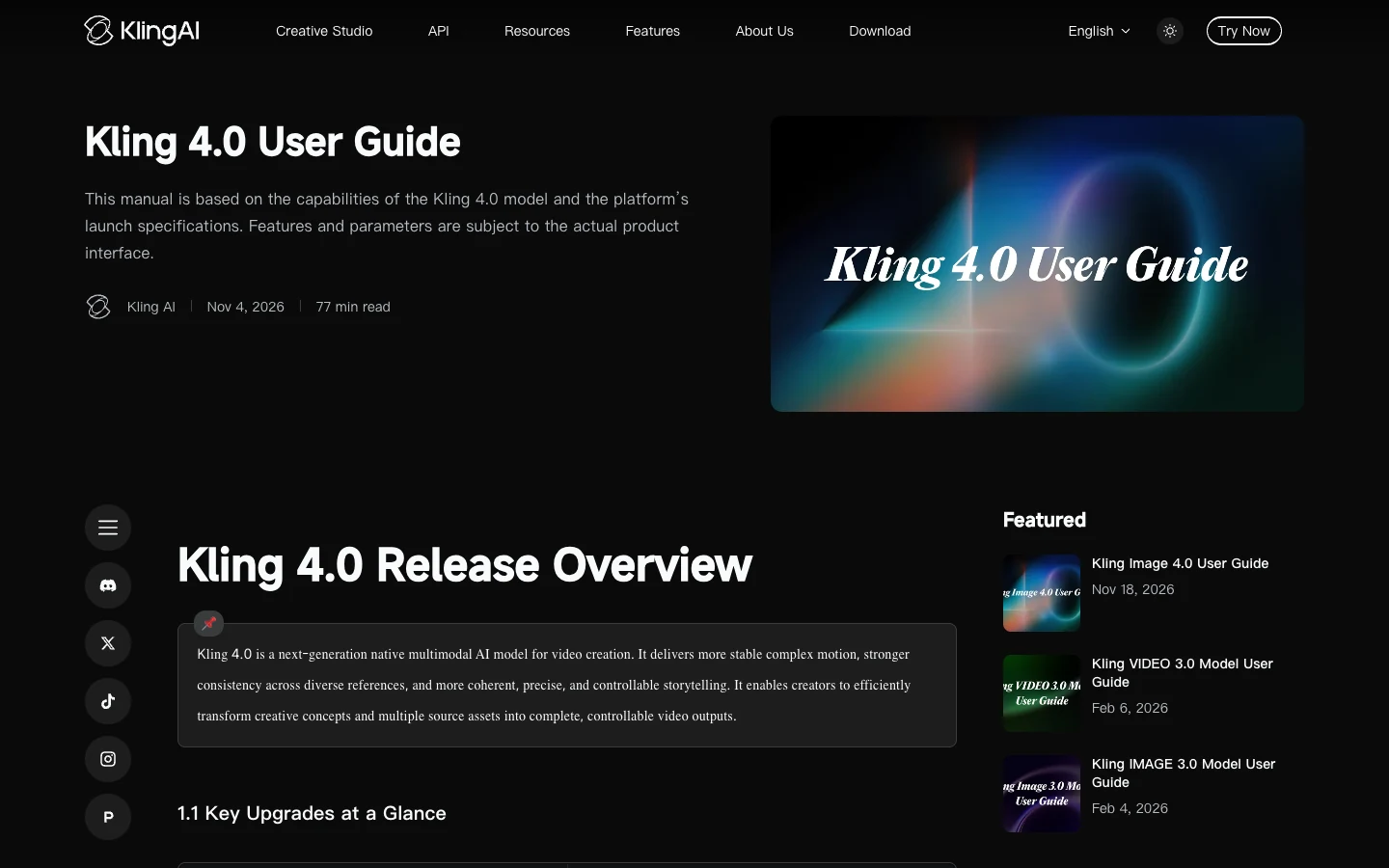
The official guide explains Kling 4.0 capabilities, references, keyframes, audio, settings and limitations.
Pricing and platforms
Pricing was checked on November 24, 2026. Kling AI uses a freemium membership and credit system. An official credit guide describes Basic as $0 and free forever, although free-credit availability and generation access can change. The current subscription page displays plans from $6.99 during a promotion, while the official US App Store lists the regular Standard monthly plan at $10, Pro at $37 and Premier at $92. Confirm the live checkout price because promotions, taxes, regional prices and included credits vary.
The official site identifies support for Web, iOS, Android, Windows and macOS. Feature parity may differ between the web studio, mobile apps and desktop software, so use the web interface when a newly launched model or advanced control is not yet visible elsewhere.
Important limitations
- Generations use credits; cost depends on model, resolution, duration, audio and reference configuration.
- Basic-plan output may have non-commercial restrictions. Review the current plan terms before client or advertising work.
- Reference limits apply: Kling 4.0 supports up to 15 combined assets, with separate limits for images, videos, voice profiles and elements.
- AI video can still produce visual errors, inconsistent identity, inaccurate text or unwanted motion. Human review is required.
- Uploading a person, brand, voice, copyrighted video or music does not grant permission to use it.
Kling AI FAQ
Is Kling AI free?
Yes, Kling offers a Basic/free entry point, but current free credits and model access are shown in the product interface and may change.
Can Kling AI create video from text and images?
Yes. It supports text-to-video, image-to-video, first and last frames, multiple keyframes and multimodal references.
What is the maximum Kling 4.0 video length?
The official launch guide lists native generation from 3 to 30 seconds. Video extension can support longer sequences when available.
Does Kling AI support 4K?
Kling 4.0 lists 720p, 1080p and 4K output. Availability can depend on the selected model, plan and current product rollout.