
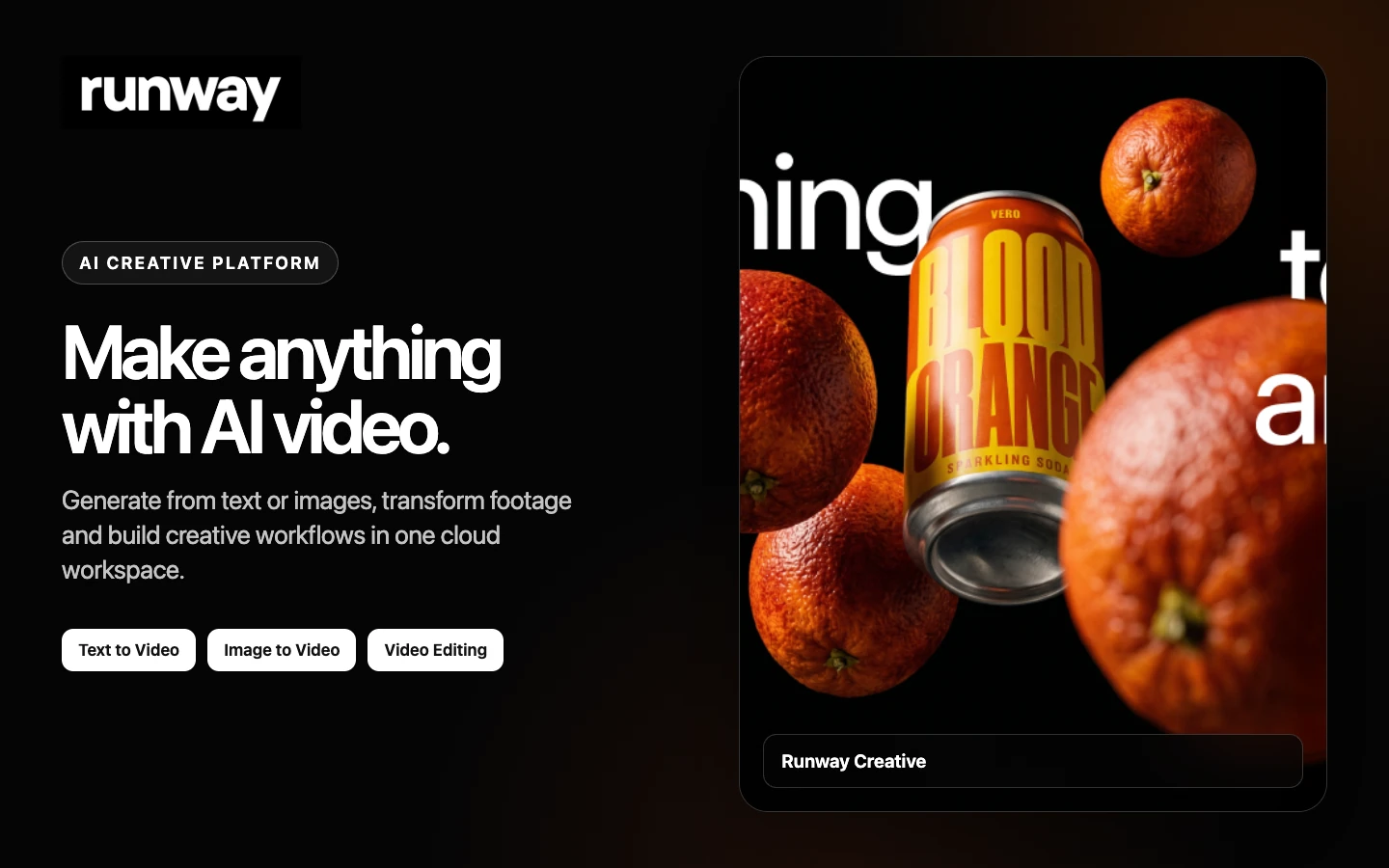
Runway is a freemium AI video creation and editing platform for turning prompts, images, footage and audio into new visual content. Runway Creative brings generation, editing and production tools into one cloud workspace for creators, marketers, designers, filmmakers and teams. It works on the web and through official iPhone and Android apps; a desktop or laptop provides the fullest experience.
What is Runway?
Runway is the creative platform from Runway AI, Inc. Its main focus is AI video, while the same workspace also includes image, audio, language and editing models. Depending on the selected model or app, users can generate video from text, animate a still image, transform existing footage, remove or replace objects, change a background or lighting, add dialogue and upscale a result. Runway also offers Agent for conversational, end-to-end creation and node-based Workflows for chaining models and steps.
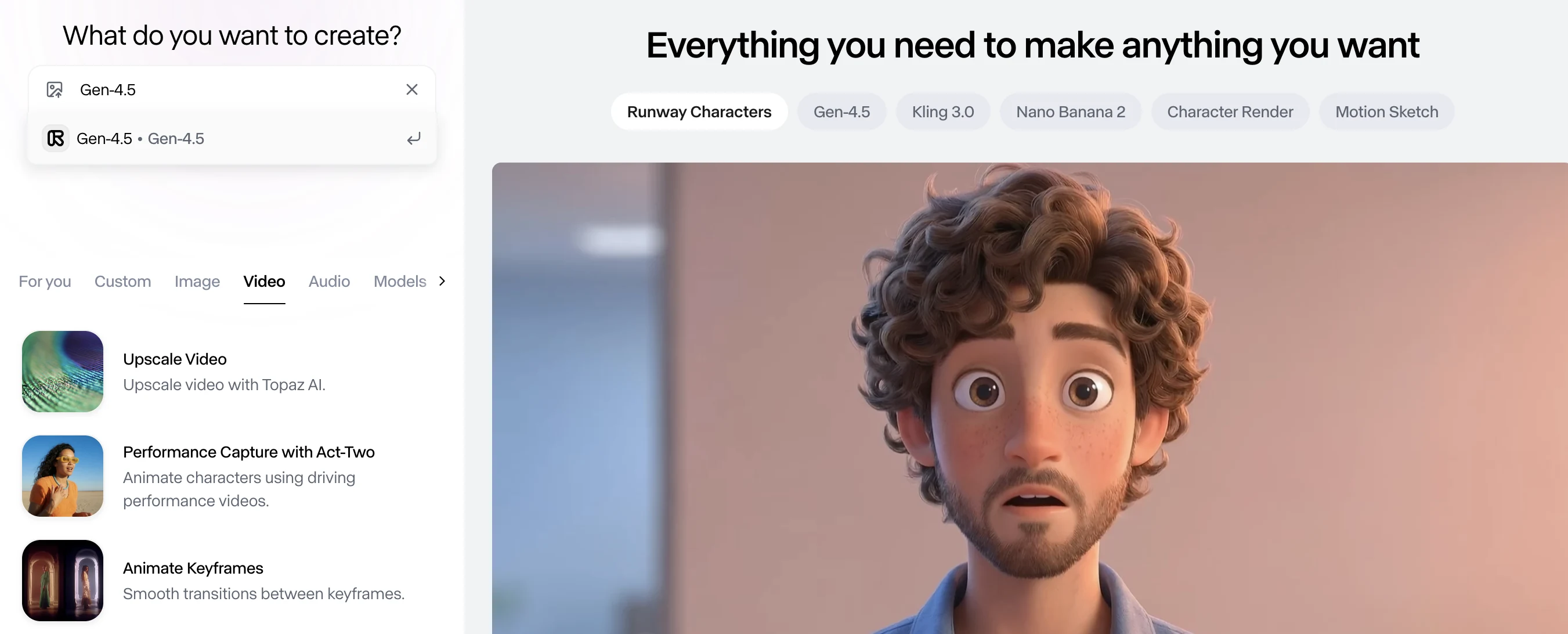
Runway Creative gathers video, image, audio and model-based apps in one workspace.
Key features and use cases
AI video generation: create clips from a text brief, a reference image, uploaded video or audio where the chosen model supports that input. It suits storyboards, social posts, music visuals, concept films and campaign ideas.
Video editing and transformation: describe changes such as removing an element, changing an outfit or backdrop, relighting a scene, restyling a shot or extending footage.
Multi-model workspace: access Runway models such as Gen-4.5 alongside selected third-party image, video, audio and language models. Availability and credit cost can change.
Agent, Apps and Workflows: ask Agent to plan and create an end-to-end video, use focused apps for common tasks, or build reusable node-based pipelines with more control.
Production and marketing: create product variations, advertising concepts, virtual staging, character performances, visual effects, animatics and draft assets before final production.
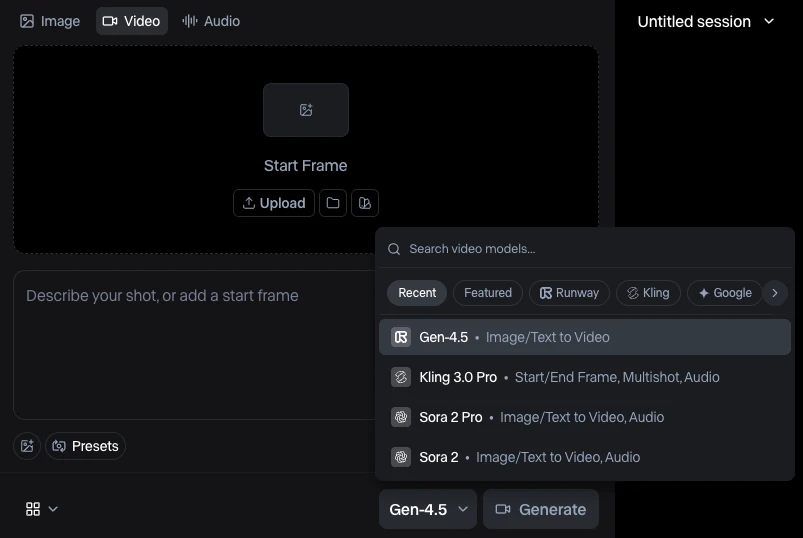
Gen-4.5 can start from an image and a motion-focused prompt.
How to use Runway
Start a project: sign in to Runway Creative, then choose Agent, a focused app or a video model. Select the workflow that matches your source: text, image, video or audio.
Add the brief and references: write a direct prompt describing the subject, action, camera, style, lighting and desired result. Upload only media you own or are authorized to process.
Choose settings: select the available model, aspect ratio, duration and other controls. Settings differ by model, so review the estimated credit cost before generating.
Generate and compare: make short tests first, review motion and prompt adherence, then refine one variable at a time. Keep successful prompts and reference frames for continuity.
Edit and export: extend, transform, remove unwanted elements, add audio or dialogue, upscale when available, and export the approved result. Check important text, logos, faces, hands, product details and scene continuity before publishing.
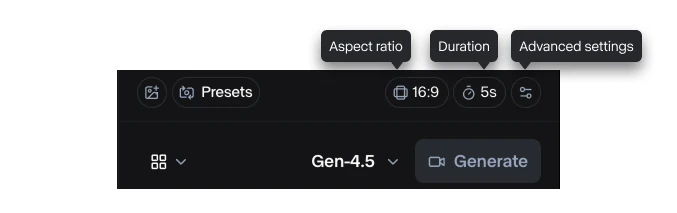
Review aspect ratio, duration and advanced settings before generating.
Pricing and platforms
Runway has a Free plan with 125 one-time credits and 5 GB of storage. Those credits do not expire, but they do not renew after use; Free offers a changing selection of models and generated videos carry a Runway watermark. Standard costs US$15 monthly or an advertised US$12 per month when billed annually. It includes 625 credits per month, all AI video and image models listed for the plan, up to three projects, 20 GB of storage, no watermarks and 4K upscaling. Pro and Max increase credits, storage, parallel generations and production features.
Standard and Pro monthly plan credits expire on the billing date. Max can roll over up to one month of unused credits, while separately purchased credits do not expire. Credit use varies widely by model, resolution, audio and duration; for example, the current pricing table lists Gen-4.5 at 60 credits for five seconds. Runway is available on the web, iPhone and Android. The official compatibility guide says the iOS app does not support iPad and recommends desktop or laptop access for the full experience.
Limitations to know
AI video can show inconsistent characters, physics, text, hands, faces, logos or product details, so production work needs human review and often several generations.
Credits can be consumed quickly by high-quality or longer video models. The Free allowance is a one-time trial, not a recurring monthly quota.
Models, supported inputs, duration, resolution, queue speed and plan access change over time. Confirm the live creation screen and pricing page before committing to a workflow.
Commercial use is permitted by Runway, but users remain responsible for source-media rights, consent, trademarks, privacy and applicable law.
Official Runway video tutorial
This official Runway Academy video demonstrates a Gen-4.5 image-to-video workflow.
Frequently asked questions
Is Runway free?
Yes. Free includes 125 one-time, non-expiring credits and 5 GB of storage. The credits do not refresh, model access is limited and Free-plan videos include a watermark.
What is the cheapest paid Runway plan?
Standard starts at US$15 month to month, or US$12 per month when billed annually, based on prices checked on November 18, 2026.
Can Runway create video from text or an image?
Yes. Runway supports text-to-video and image-to-video workflows, plus video and audio inputs on compatible models. Exact inputs and controls depend on the selected model.
Does Runway work on mobile?
Yes. Official apps are available for iPhone and Android. iPad is not supported by the iOS app, and Runway recommends a desktop or laptop for the complete experience.
Do Runway credits roll over?
Free one-time credits and purchased top-up credits do not expire. Standard and Pro monthly credits expire on the billing date; Max can carry up to one month of unused credits forward.