
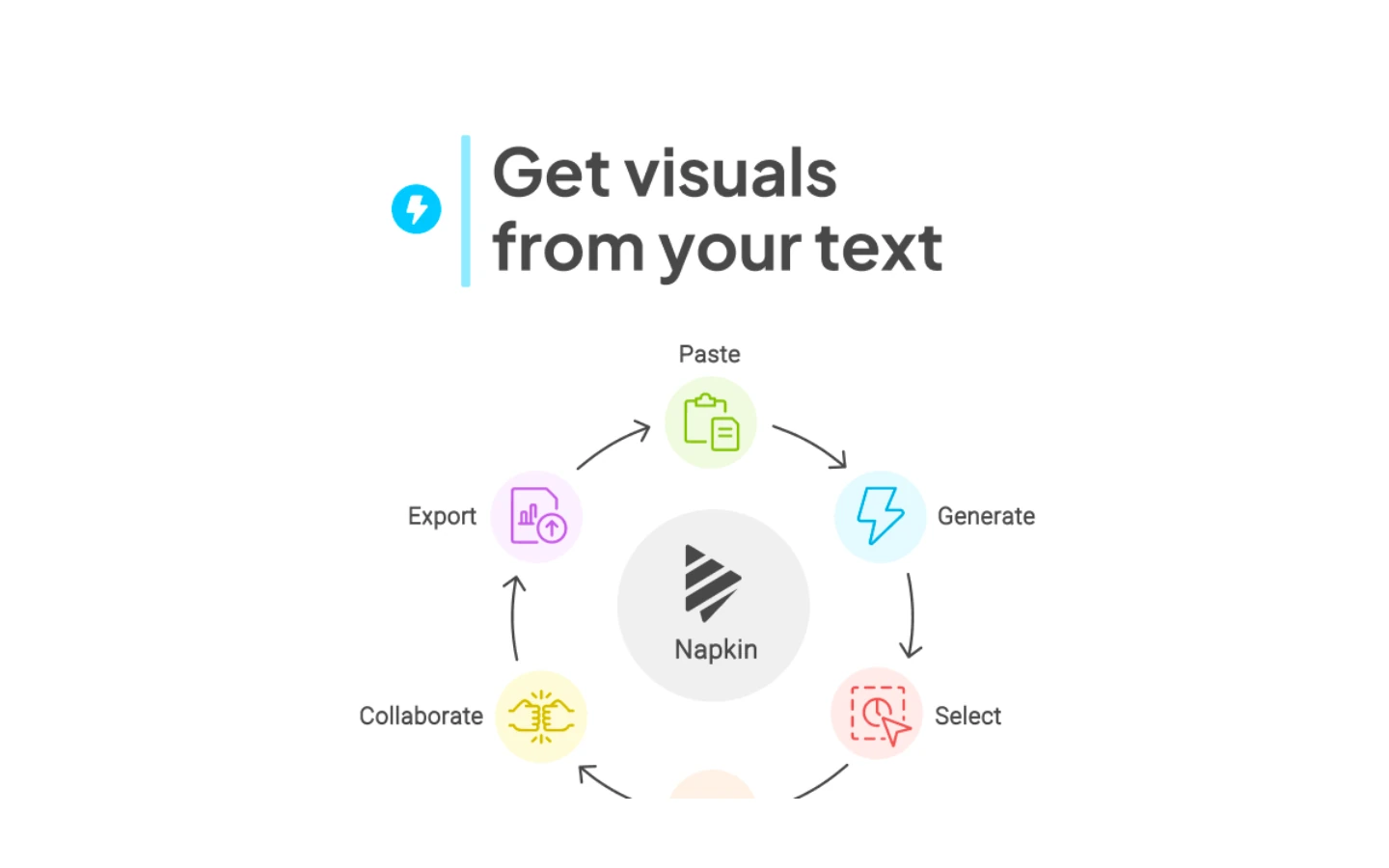
Napkin AI is a web-based visual communication platform that turns text and ideas into editable diagrams, charts, infographics, mind maps, flowcharts, and presentation decks. It is designed for business teams, marketers, educators, consultants, and content creators who need to explain information visually without building every graphic or slide from scratch.
What is Napkin AI?
Napkin AI, a product of Second Layer, Inc., combines two connected creation workflows. Napkin Visuals analyzes selected text and suggests individual graphics such as process diagrams, timelines, comparisons, mind maps, data charts, and infographics. Napkin Slides takes a broader idea or source document and builds a complete presentation with a structure, narrative, text, and visuals.
Users can write or paste content directly, or import supported files including PPT, DOC, PDF, HTML, and Markdown. The generated result remains editable: text, colors, fonts, icons, layout, and individual elements can be changed before export. Napkin supports content creation in more than 60 languages, while its interface is available in English, French, Spanish, Italian, Korean, and Portuguese.
Key features and best use cases
Text-to-visual generation: Select relevant text and generate diagrams, flowcharts, mind maps, timelines, tables, comparisons, charts, and other visual explanations.
AI presentation creation: Turn an idea or source content into a structured deck with a clear narrative and visuals for each section.
Editable output: Adjust text, colors, fonts, icons, shapes, layouts, and branding instead of accepting a fixed image.
Import and export options: Import common document and presentation formats, then export as PNG, PDF, SVG, PowerPoint, or Google Slides according to plan limits.
Brand and team tools: Paid plans remove Napkin branding and add brand styles, richer icons, font uploads, team management, and shared billing.
Multilingual creation: Generate visuals and presentations in more than 60 languages and ask the agent to translate a finished deck.
Napkin is useful for presentation slides, reports, strategy documents, blog posts, teaching materials, social graphics, process documentation, project updates, and other situations where a visual explanation can make dense text easier to understand.
How to use Napkin AI
Open Napkin and sign in. Choose the Visuals workflow for an individual graphic or Slides when you need a complete presentation.
Add your source content. Write or paste text, start from an idea, or import a supported PPT, DOC, PDF, HTML, or Markdown file.
Generate the first result. For Visuals, select the text to explain and use Generate Visual. For Slides, work with the agent to define the audience, purpose, and story before generating the deck.
Choose and refine. Review the suggestions, pick the closest visual or slide structure, and edit text, layout, colors, fonts, icons, images, and individual elements.
Check the information. Verify labels, numbers, relationships, sources, and translations. AI-generated layouts and text can still be incomplete or misleading.
Export or present. Export in an available format such as PNG, PDF, SVG, PowerPoint, or Google Slides, or present a deck directly from Napkin.
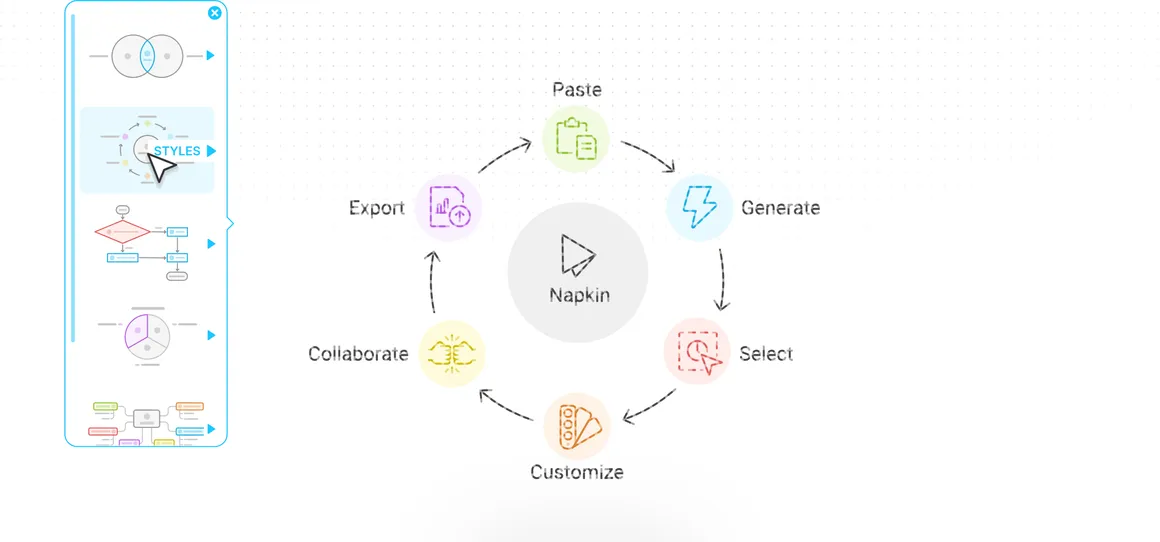
Official Napkin AI workflow: paste content, generate a visual, select a design, customize it, collaborate, and export.
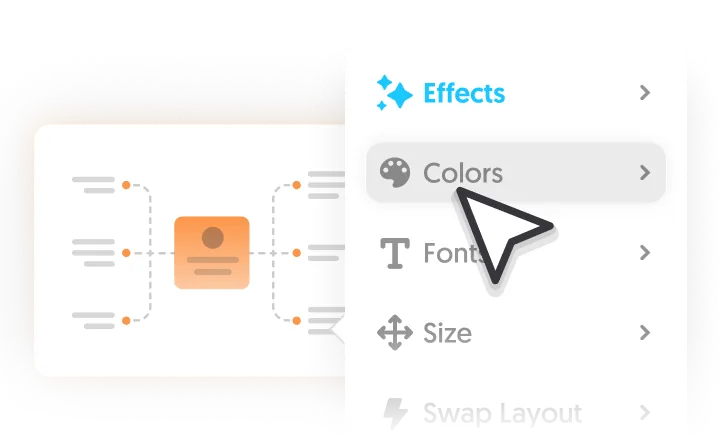
Napkin AI keeps generated visuals editable, including their layout, style, colors, text, and icons.
Official Napkin AI visual-generation tutorial
This official Napkin AI video demonstrates the newer visual-generation experience. Controls may continue to change as the product is updated. YouTube
Pricing and platforms
Pricing was checked on November 20, 2026. Napkin uses a freemium model. The Free plan costs $0 and provides 500 AI credits per week, unlimited visual editing, unlimited imports, unlimited PNG and PDF exports, built-in styles and icons, and Napkin branding on visuals. Napkin says visual generation generally uses about one credit per selected word, although the cost can vary by action and may change.
The lowest paid plan is Plus at $9 per person per month with monthly billing. It includes 10,000 AI credits per month, premium AI image models, unlimited PowerPoint and SVG export, three Brand Styles, removal of Napkin branding, and team management and billing. Pro costs $22 per person per month and increases the allowance to 30,000 credits while adding exclusive designs, unlimited custom branding, font uploads, and optional credit top-ups. The site also offers annual billing with a stated 25% discount, but the monthly price is used here without calculating an annual equivalent.
Napkin works in a desktop web browser and has a limited mobile-web workflow. On a phone, users can view existing work and create or edit presentations, but visual generation is not currently available on mobile. A desktop browser remains the recommended platform for creating Visuals.
Important limitations
Free accounts receive 500 AI credits per week. Included credits do not roll over; free credits refresh weekly and paid-plan credits refresh monthly.
Visual generation uses about one credit per selected word, a generated slide uses 100 credits, and agent requests or Effects can use varying amounts. Manual edits do not use credits.
Free output retains Napkin branding. PNG and PDF export are unlimited on every plan, while free PowerPoint and SVG exports have usage limits.
Mobile users can work with presentations, but generating individual Visuals still requires the desktop experience.
AI-generated visuals, presentation text, data relationships, and translations require human review before publication or business use.
For self-serve accounts, Napkin may use anonymized interaction data to improve its AI. Users can opt out in Account Settings; Enterprise customer data is not used for model training.
Napkin AI FAQ
Can I use Napkin AI for free?
Yes. The Free plan includes 500 AI credits per week, unlimited editing and file imports, and unlimited PNG and PDF exports, but exported visuals keep Napkin branding.
What can Napkin AI create?
Napkin can create diagrams, flowcharts, mind maps, timelines, infographics, data charts, tables, visual comparisons, and complete presentation decks from text or ideas.
Can I edit Napkin visuals after generation?
Yes. Users can change text, colors, fonts, icons, layouts, shapes, and individual elements. Paid plans add more branding and font controls.
Can Napkin export to PowerPoint or Google Slides?
Yes. Napkin can export presentations as PowerPoint or create a Google Slides file. It also supports PNG, PDF, and SVG; plan limits differ by format.