
Cleanup.pictures is a browser-based AI photo editor from the Clipdrop product family that removes unwanted objects, people, text, logos, and visual defects by reconstructing the area behind them. It is designed for photographers, ecommerce sellers, real estate teams, creative agencies, and everyday users who need a focused object-removal workflow without learning a full desktop editor.
What is Cleanup.pictures?
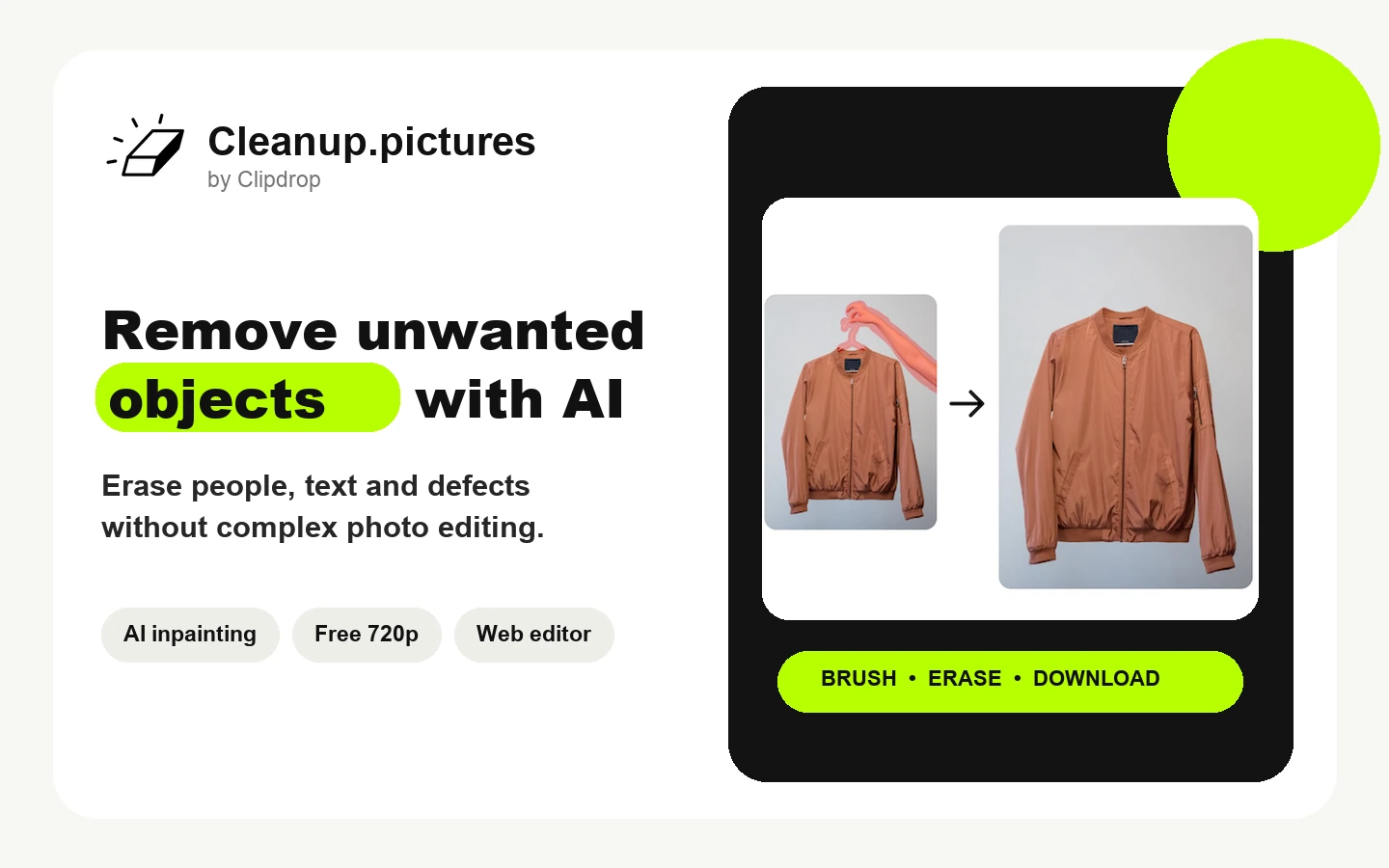
Cleanup.pictures applies AI inpainting to a user-selected part of an image. Instead of copying pixels from another area with a traditional clone tool, the service analyzes surrounding visual information and generates a replacement for the painted region. The interaction is intentionally direct: upload an image, brush over the unwanted element, inspect the reconstructed background, and download the result.
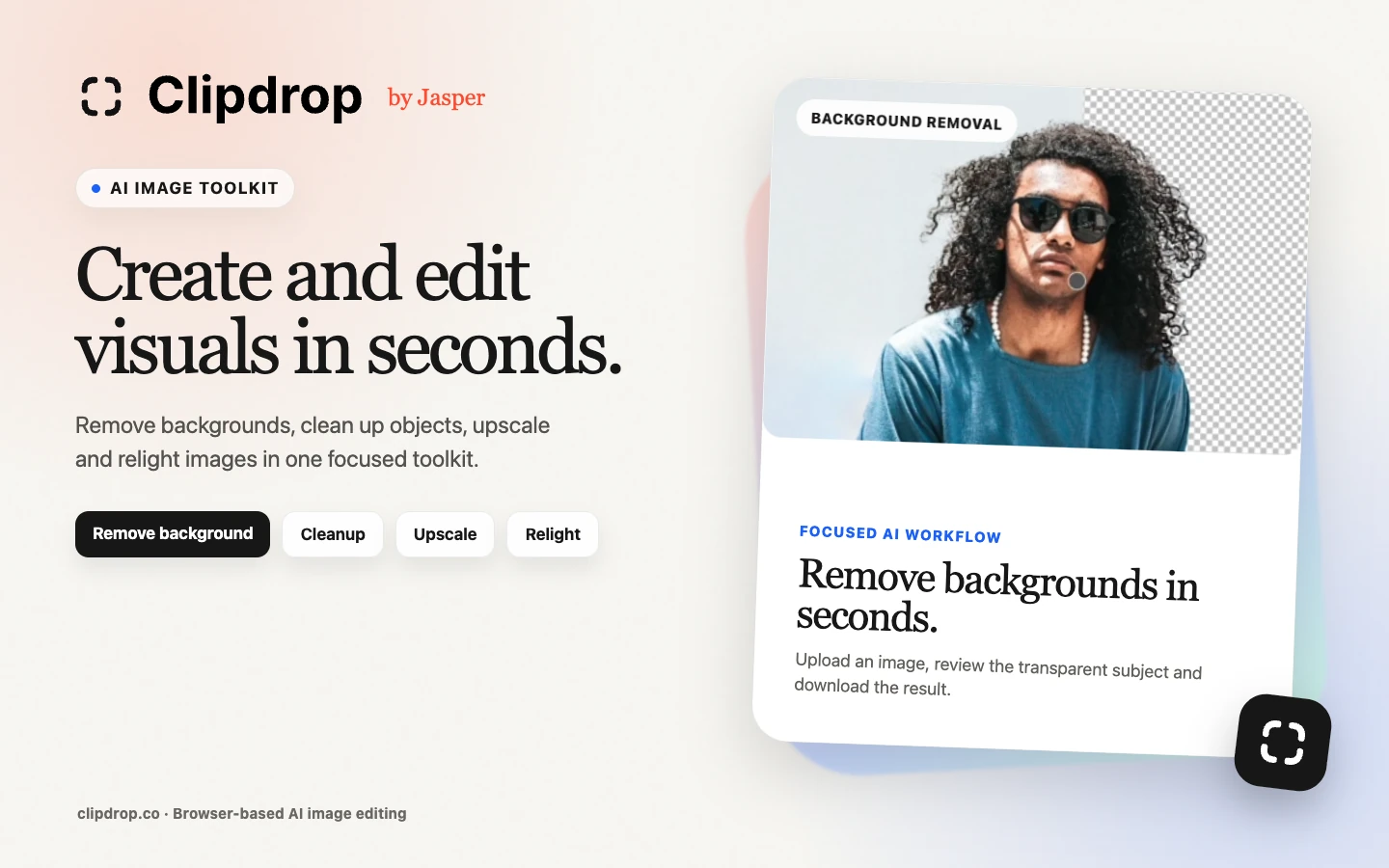
The service is part of the same Clipdrop tool family as Remove Background, Uncrop, Image Upscaler, Relight, and Text Remover. Cleanup.pictures remains a dedicated web app, while a closely related Cleanup tool is also available on Clipdrop. The official Clipdrop site states that Clipdrop is now part of Jasper.
Key features and useful applications
- AI object removal: paint over a distracting object, person, blemish, crack, date stamp, or other unwanted detail and let the inpainting model rebuild the selected area.
- Simple brush workflow: the editor avoids complex layers and selections. The official guidance recommends covering the entire object and extending the brush slightly beyond its edges.
- Portrait and photo repair: remove small distractions, skin blemishes, wrinkles, timestamps, or damage in scanned photographs when the surrounding image provides enough context.
- Real estate cleanup: reduce clutter or remove personal objects from room photographs before preparing a property listing.
- Ecommerce and marketing visuals: remove distracting props or marks from product images and social graphics while keeping the main subject visible.
- Developer API: Clipdrop documents a Cleanup API for automated inpainting. API pricing and limits are separate from the consumer web subscription.
How to use Cleanup.pictures
- Open the official site. Visit Cleanup.pictures in a desktop or mobile browser and drag an image onto the upload area or choose a file from the device.
- Choose an appropriate brush size. Use a brush large enough to cover the object and its shadow. A selection that is too narrow can leave edges behind.
- Paint over the unwanted element. Cover the complete person, object, text, logo, date stamp, or defect. The official tips recommend painting slightly beyond the visible boundary.
- Let the AI rebuild the area. The inpainting model uses nearby colors, textures, and structures to create a replacement for the masked region.
- Review the result carefully. If an edge or shadow remains, adjust the selection and process that area again. Complex patterns may need more than one pass.
- Download the edited image. Free exports are limited to 720p. Choose Pro when the workflow requires full-resolution output and the higher-quality refiner.
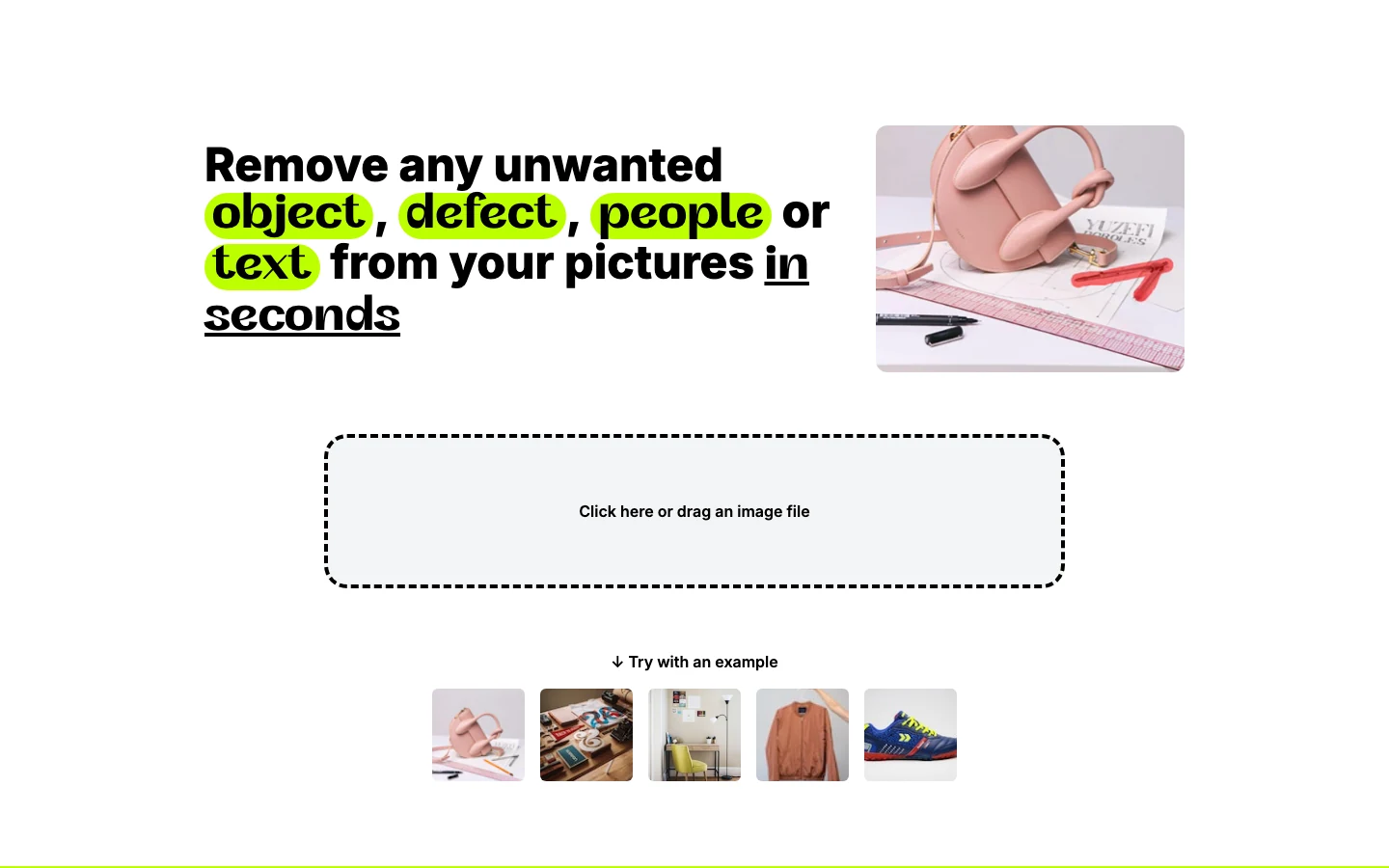
Upload a photo or start with one of the public examples in the browser editor.
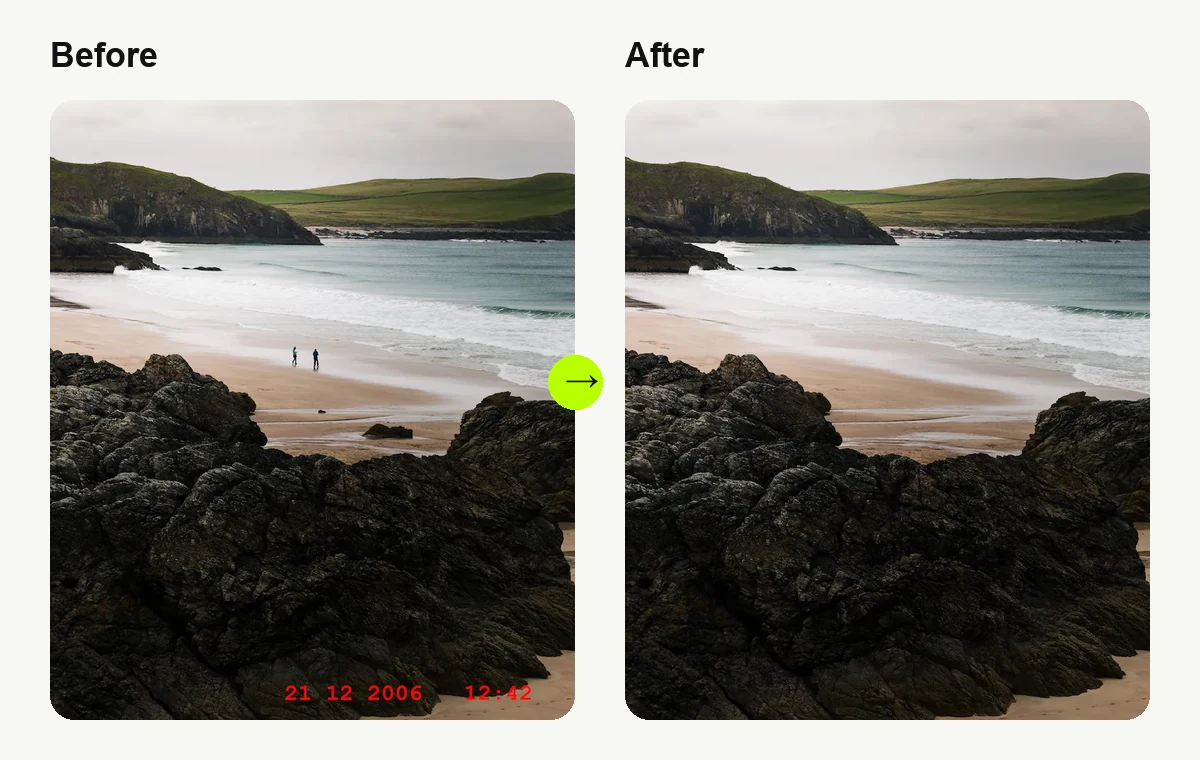
The official example shows people and a date stamp removed from a beach photo.
Pricing and platforms
Pricing was checked on November 22, 2026. The official site lists a Free plan at $0 with unlimited images and export resolution limited to 720p. Cleanup Pro costs $5 per month or $36 per year, which the site presents as $3 per month when billed annually. Pro includes unlimited images, unrestricted output resolution, and the high-quality refiner. The site also mentions a free trial for evaluating HD quality.
A separate Clipdrop Pro option starts from $11 on the Cleanup.pictures pricing section and bundles Cleanup with tools such as background removal, background replacement, Uncrop, and Generative Fill. The Cleanup API uses usage-based pricing rather than the consumer subscription. Prices and plan contents can change, so confirm the checkout page before purchasing.
Cleanup.pictures runs on Web and Mobile Web. The official FAQ says the same subscription works on mobile and desktop. A responsive web experience does not by itself prove a dedicated Cleanup.pictures iOS, Android, Windows, or macOS app, so those native platforms are not listed here.
Important limitations
- Free downloads are capped at 720p even though images of different sizes can be imported and edited.
- Each Cleanup subscription is individual and limited to one user according to the official FAQ.
- Inpainting generates a plausible replacement rather than recovering the true pixels hidden behind an object. Repeated patterns, large subjects, strong shadows, or important structural details can require another pass or manual editing.
- The mask should cover the full object and extend slightly around it; a narrow brush stroke can leave visible fragments or shadows.
- Removing a watermark does not remove copyright restrictions. The official site says to remove watermarks only from images for which the user has an explicit license.
- The developer API has separate technical limits. Current documentation lists JPG or PNG inputs, a maximum of 16 megapixels and 30 MB per image or mask, and a default rate limit of 60 requests per minute.
Cleanup.pictures FAQ
Is Cleanup.pictures free?
Yes. The Free plan allows unlimited images, but downloads are limited to 720p. Cleanup Pro adds unrestricted resolution and the high-quality refiner.
How much does Cleanup Pro cost?
The official site lists $5 per month or $36 per year. The annual option is displayed as an equivalent of $3 per month.
Can Cleanup.pictures remove a person or text from a photo?
Yes. Paint over the person, object, text, logo, timestamp, or defect, including its shadow, and the AI will reconstruct the selected area from the surrounding visual context.
Is Cleanup.pictures the same as a background remover?
No. Cleanup.pictures removes selected elements inside an image. For isolating the main subject and deleting the entire background, the official site directs users to Clipdrop Remove Background.
Can I remove any watermark?
Only when you own the image or have explicit permission. Removing a visible watermark does not grant a license to use the underlying work.