
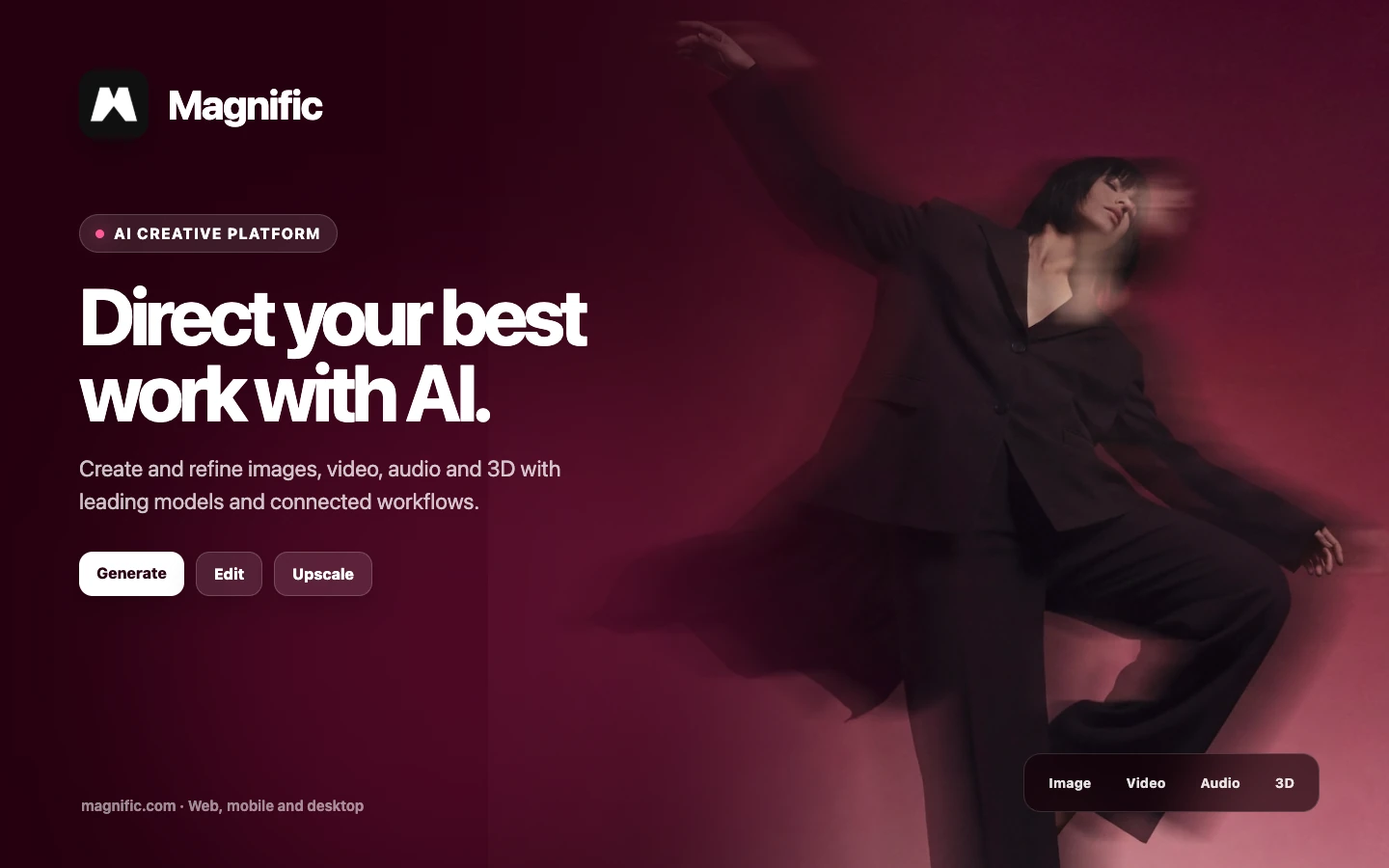
Magnific is a creative AI platform for generating, editing and improving images, video, audio and 3D content. Formerly known as Freepik AI, it combines leading third-party models, Magnific's own tools, stock assets and shared workspaces in one service for creators, designers, marketers, agencies and production teams. The main service runs on the web, with official desktop and mobile apps also available.
What is Magnific?
Magnific has expanded beyond the original Magnific.ai creative image upscaler. The current Magnific platform includes image generation and editing, image and video upscaling, video creation, voice and music tools, 3D generation, design utilities, shared Spaces, plugins and an API. The submitted /app address redirects to the main Magnific website, while the original upscaler remains available as a dedicated tool inside the broader platform.
Key features and best use cases
- AI image creation and editing: generate images from text, edit photos with prompts, remove backgrounds, extend a canvas, relight a shot, change the camera angle and create transparent PNG assets.
- Image upscaling: enlarge images by up to 16× with Creative or Precision workflows. Creative mode can add or reinterpret detail, while Precision mode focuses on faithful enlargement for photos, products and print.
- Video production: generate video from text or images, edit clips with prompts and enhance existing footage with the video upscaler.
- Audio and 3D tools: create voiceovers, music and sound effects, or generate 3D models and scenes from images or prompts.
- Connected workflows: Spaces provides a shared canvas, while the platform also lists an API, MCP connections, plugins and desktop batch processing for larger production workflows.
Magnific Image Upscaler example
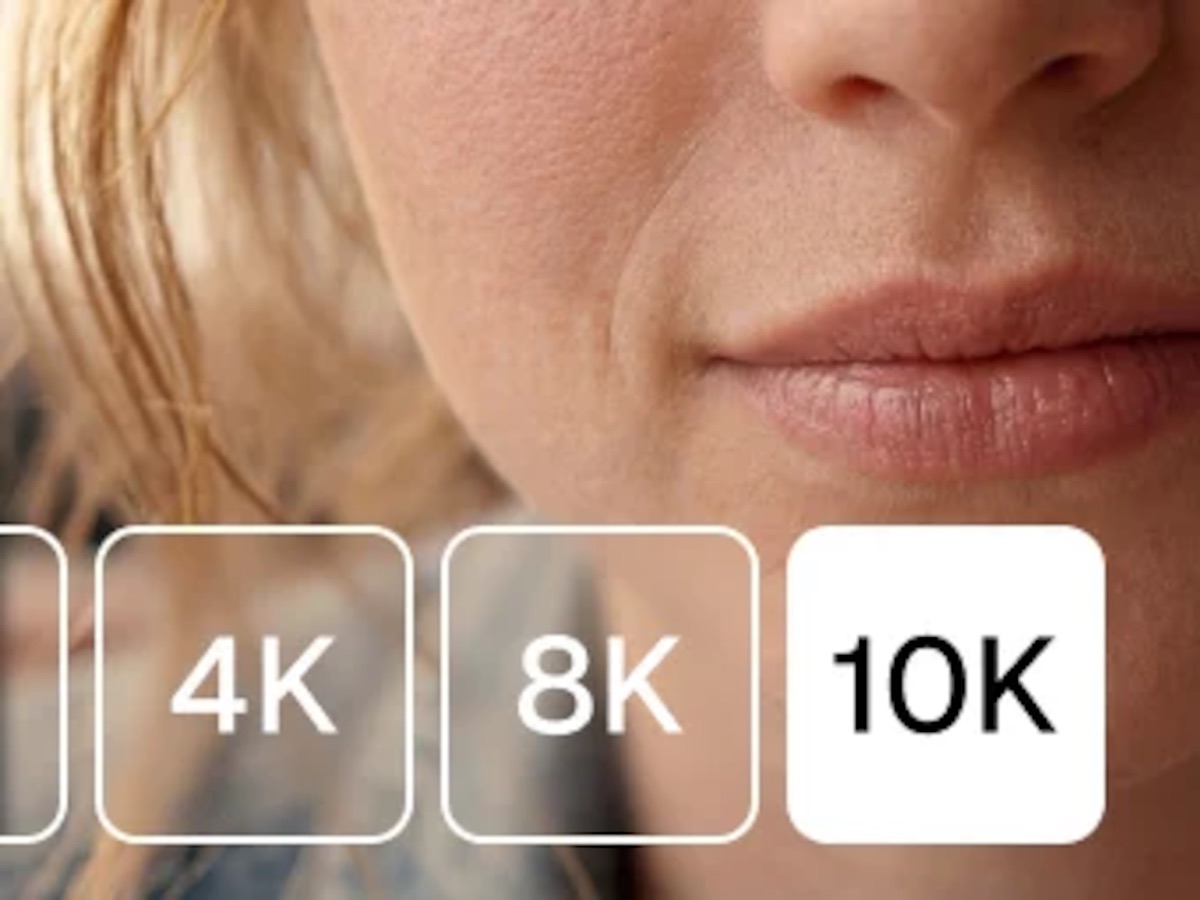
Official Magnific example showing detail enhancement for high-resolution output and large-format use.
Choose Creative when you want the AI to reconstruct texture and visual detail. Choose Precision when a face, product or source layout needs to stay closer to the original.
How to use Magnific
1. Choose the tool for the required output
Open Magnific and select an image, video, audio, 3D or design tool. For improving an existing image, Image Upscaler, AI Photo Editor, Background Remover and Relight are common starting points.
2. Add source material or a prompt
Upload an image or video only when you have permission to use it, or enter a text prompt for a generation tool. Magnific can also reuse recent creations from a project or Space.
3. Select a model and settings
Available controls depend on the tool. In Image Upscaler, choose Creative mode when you want the AI to add texture and detail, or Precision mode when the original structure must remain closer to the source. Set the scale, model, preset and optional prompt where supported.
4. Generate and inspect the result
Run the job, compare the output with the source and inspect faces, text, product shapes, small objects, lighting and edges. Adjust creativity, resemblance or sharpness before generating another version if necessary.
5. Download or continue editing
Download the finished asset in the available format, or move it into another Magnific tool or Space for further editing. Credit use and maximum resolution vary by model and settings.
How to review the before-and-after result
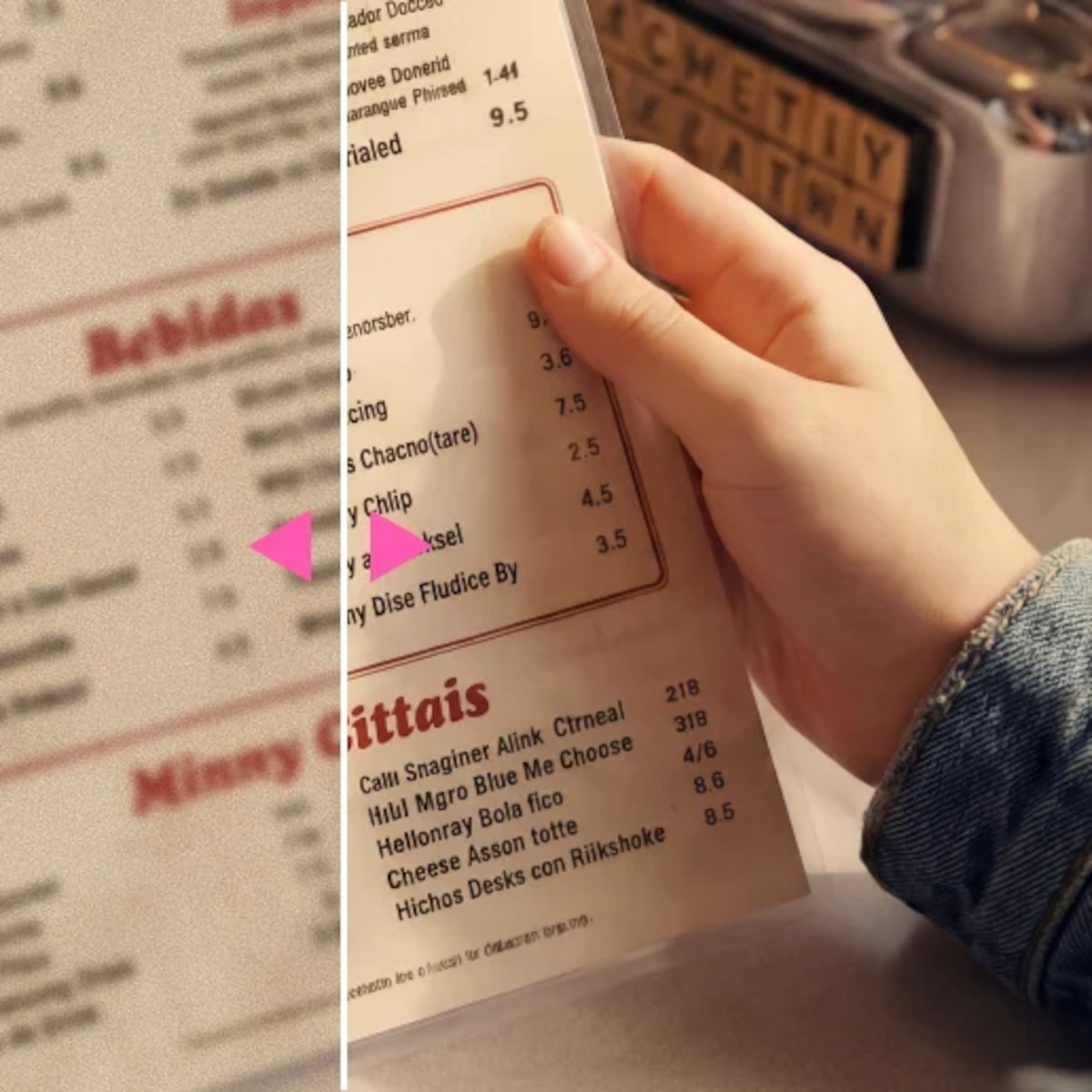
Official before-and-after comparison from Magnific Image Upscaler.
Before downloading, compare the source and result at 100% zoom. Check text, edges, hands, faces and product geometry. If the AI invents too much detail, reduce Creativity, increase Resemblance or switch to Precision mode.
Pricing and supported platforms
Magnific uses a freemium model and states that users can start for free. Paid plans provide additional credits, resolution and production features. When checked on 17 November 2026, the individual Premium plan was displayed at $14.50 per month, billed annually, with 240,000 credits per year; prices exclude VAT and local taxes. Higher Plus and Pro tiers include larger credit allowances and additional unlimited-model benefits under the conditions shown on the current pricing page. Verified delivery options include Web, iOS, Android, Windows and macOS. The official site also lists Linux, although that value is not used in the AIMapGo platform field.
Official Magnific video tutorial
This official English Magnific Academy tutorial demonstrates Image Upscaler, detail enhancement and preparing an image for print or a large display.
Watch the Magnific Image Upscaler tutorial on YouTube
Important limitations
- Each model and tool consumes a different number of credits, and limits can change with resolution, duration or model version.
- Creative upscaling may invent textures or visual details. Use Precision mode and inspect important commercial, archival or identity-sensitive images carefully.
- Generated text, faces, logos and product geometry may require correction before professional use.
- Some tools, models, high-resolution outputs and commercial-production features depend on the current plan.
- Review Magnific's current terms, model-specific rules and privacy settings before uploading confidential or rights-restricted material.
Frequently asked questions
Can Magnific be used for free?
Yes. Magnific states that users can start for free, while paid plans add more credits, higher-resolution access and additional production features.
Is Magnific the same as Freepik AI?
Yes. The official platform states that Freepik AI is now Magnific AI and that existing accounts, credits and projects carry over.
How much can Magnific upscale an image?
The current Image Upscaler documentation describes enlargement up to 16×, depending on the selected mode and model.
Does Magnific support video and audio?
Yes. The platform lists video generation and editing, video upscaling, voice generation, sound effects and music generation.
Does Magnific have desktop and mobile apps?
Yes. Official pages list desktop downloads for Windows and macOS and mobile apps for iOS and Android, in addition to the web platform.