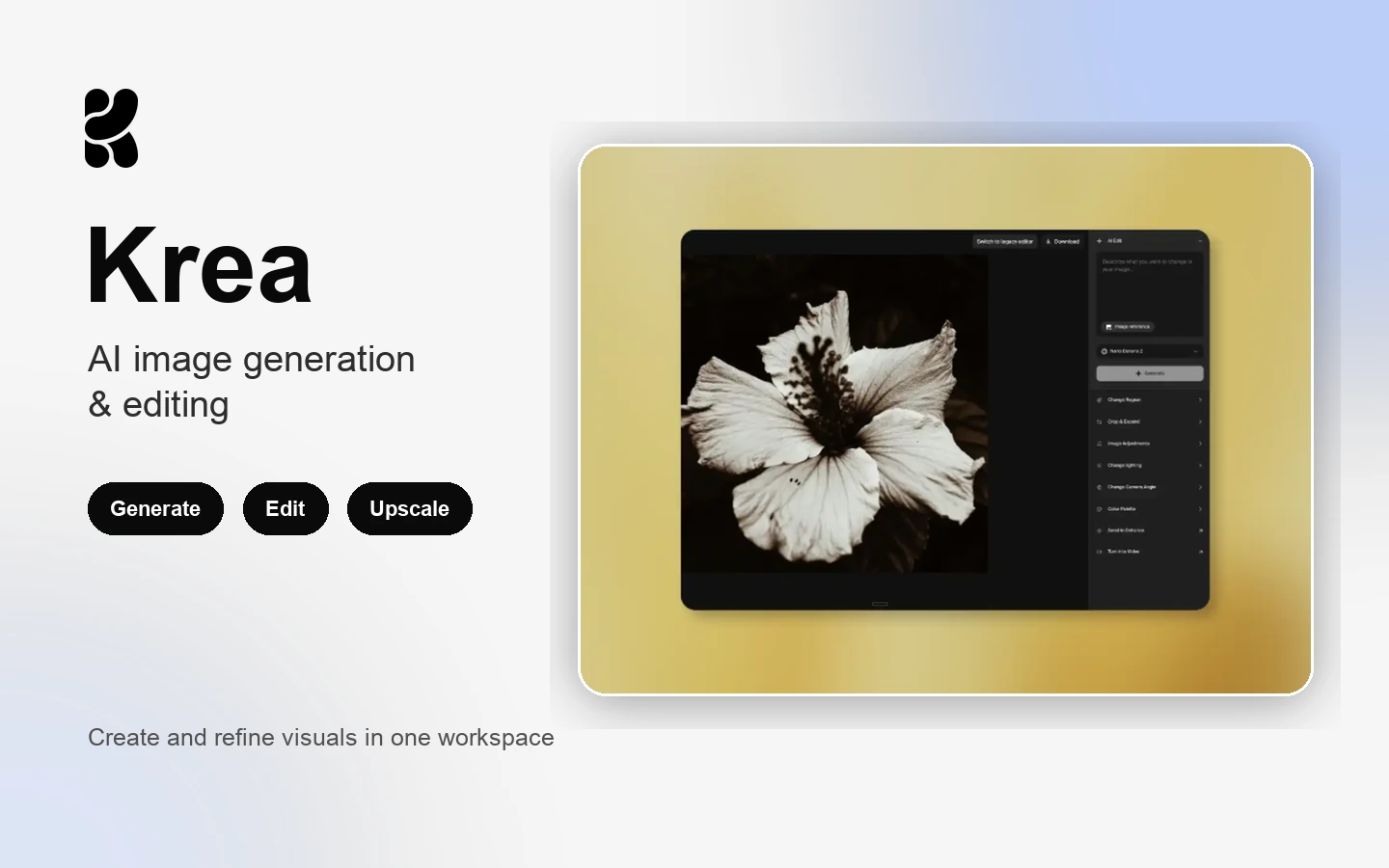
Krea is a creative AI platform for generating and editing images in a web workspace and an official iPhone and iPad app. It serves creators, designers, marketers, and product teams making product photos, social graphics, and visual concepts from prompts or references.
What is Krea?
Krea combines image models and editing tools in one interface. Start with text, an existing image, or visual references, compare results, then continue editing in the same workspace. Krea develops models such as Krea 3 and also offers selected third-party models.
Krea Edit lets a user select a region with a rectangle, brush, or automatic object selection and describe the change. Officially documented tools include object movement with inpainting, image expansion, relighting, palette changes, grayscale colorization, camera angles, and a lens simulator. These generative edits still need human review.
Key features and useful applications
- Generate and compare: create photos, illustrations, graphics, and concepts from text or references, then compare available models for realism, style, text, composition, or transformation.
- Regional photo editing: select only the area that should change, describe the edit, and keep working through a visible generation history.
- Relighting and image enhancement: adjust virtual light, color, camera treatment, or resolution. Free accounts have limited upscaling; Basic lists upscaling up to 22K.
- Product and social content: use references for product settings and campaign variations. Ad Studio can read a public website, build an editable brand kit and product catalog, and create static ads on paid plans.
How to use Krea
- Open Krea and sign in. Use the web app for the full workspace or the official iOS app for supported workflows.
- Choose Image and a model. Controls, resolution, access, and compute cost differ by model and plan.
- Add a prompt or reference. Describe subject, composition, lighting, style, colors, and format. Upload only authorized images.
- Generate and compare. Make a few variations, review text and product details, then refine the prompt or switch models.
- Edit the result. In Krea Edit, select a region and describe the change. Relighting, colorization, palette, expansion, and camera treatments are also available.
- Prepare product or social assets. Ad Studio can start from a website and present an editable brand kit. Eligible paid accounts can generate ads after checking imported facts, logos, prices, and copy.
- Download and review. Inspect labels, faces, hands, logos, edges, and color accuracy at the intended size.
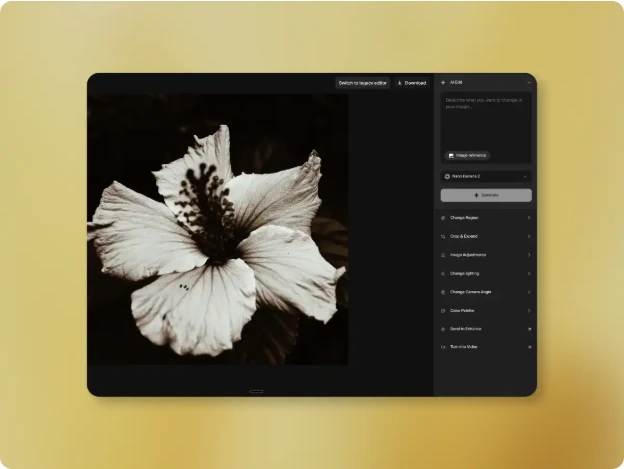
Krea Edit opens an image beside the prompt and editing controls for regional changes, relighting, expansion, and other adjustments.
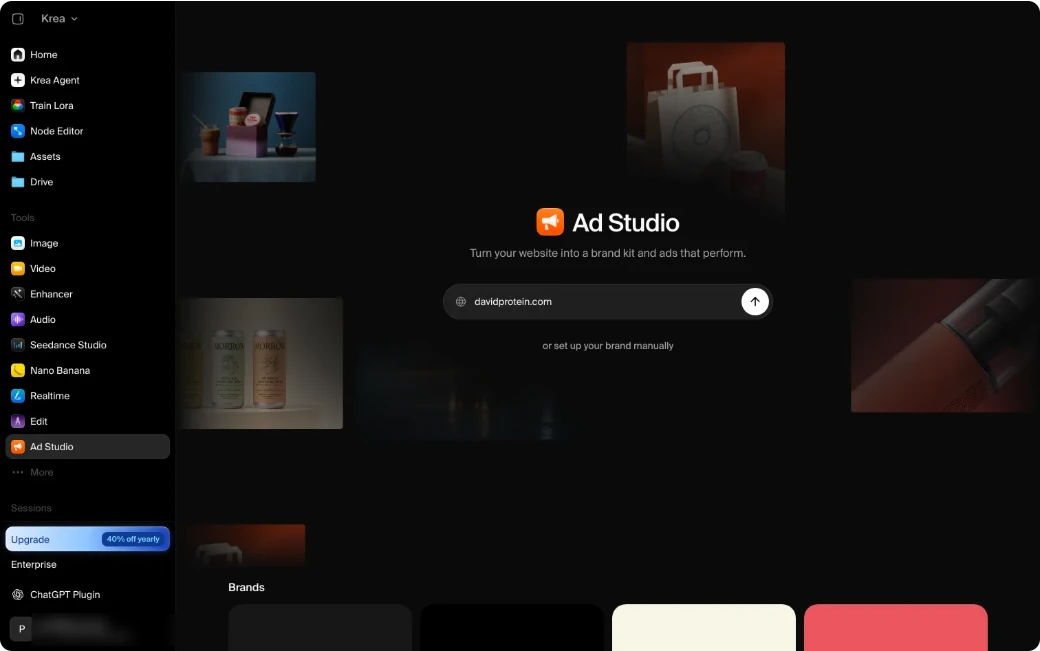
Ad Studio can begin with a public website address or a brand set up manually; verify imported brand and product facts before generating.
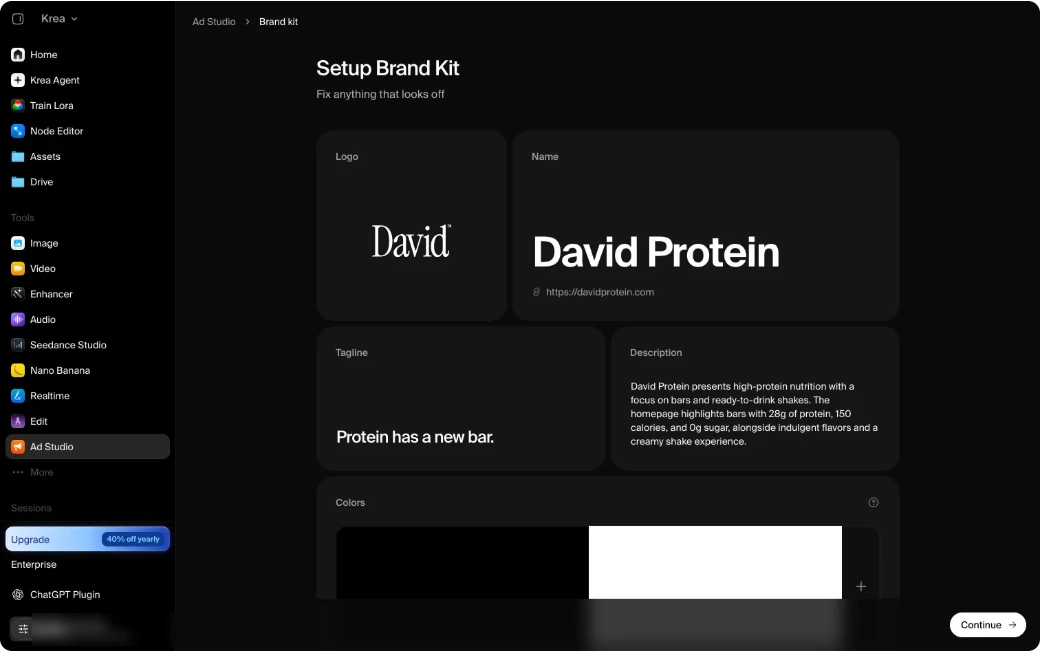
The editable brand-kit step presents the detected logo, name, tagline, description, and colors for review before ad creation.
Pricing and platforms
Pricing was checked on November 24, 2026. Free costs $0, requires no credit card, and provides 100 units per day. Units refill daily; after they are used, wait for the next refill or upgrade. Free includes Krea 3, real-time models, and limited upscaling, while consumption depends on model and settings.
Basic costs $9 per month and includes 5,000 monthly units, all image models, selected video models, LoRA training for up to 50 images, upscaling up to 22K, and Krea's commercial license. The page also showed a temporary Black Friday annual offer as $5 per month. Because it had an expiry countdown, confirm the checkout total. API billing is separate.
Verified platforms are Web and iOS. The official iOS app supports iPhone and iPad, syncs projects with web, and notes that model access can depend on plan and region.
Important limitations
- Free is a daily 100-unit allowance, not unlimited generation, and models consume different amounts.
- The official FAQ says free-plan images are not licensed for commercial use; Krea's commercial license begins with a paid plan.
- Models, queues, resolutions, controls, and unit prices can change. Check the live model card before a large job.
- Generative editing can alter text, labels, identity, materials, or product details. Review every output.
- Ad Studio starts with Basic. Brand research and product import may be free, but ad generation consumes units.
- Users need rights and permission for uploaded photos, references, logos, products, and people.
Krea FAQ
Can I use Krea for free?
Yes. Free provides 100 daily units without a credit card, and the allowance refills each day.
Can Krea edit an existing photo?
Yes. Upload an authorized image in Krea Edit, select a region, and describe the change. Relighting, colorization, expansion, palette, and camera controls are also documented.
Can I use free Krea images commercially?
No under the current FAQ. Paid plans include Krea's commercial license; users still need rights to source material.
Does Krea have a mobile app?
Yes. The official iOS app supports iPhone and iPad and shares projects with the web workspace. Model access may vary by plan and region.