
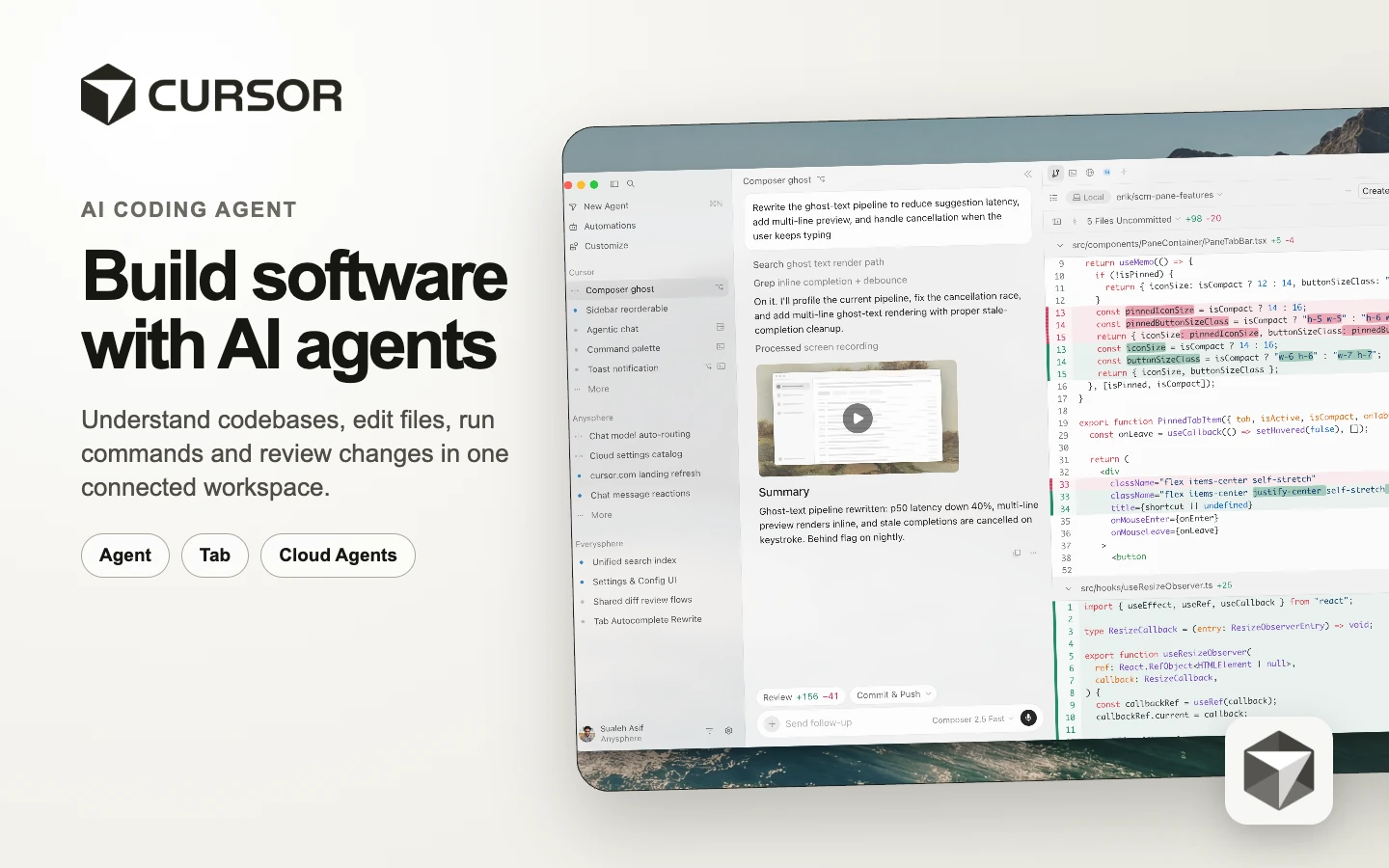
Cursor is an AI coding agent and developer workspace for programmers and software teams. It combines a desktop code editor, terminal agent, browser-based cloud agents, code completion, and review tools so users can understand, change, test, and ship software from one connected workflow.
What is Cursor?
Cursor is built around an AI agent that can search a repository, read relevant files, edit multiple files, run terminal commands, and work through errors. It is useful for tasks such as implementing a feature, refactoring code, writing tests, investigating a bug, or explaining an unfamiliar codebase. Users remain responsible for reviewing the proposed changes and deciding what to keep.
The product is available as a desktop application for macOS, Windows, and Linux. Cursor also provides a command-line agent and browser-based Cloud Agents. Cloud Agents run in isolated development environments and can work on connected repositories without keeping the local computer online.
Key features and best use cases
Cursor Agent: searches the codebase, edits files, runs commands, and can build features, refactor code, fix bugs, and write tests from a natural-language request.
Cursor Tab: predicts code while you type, including multi-line suggestions, imports, and coordinated edits across related files.
Ask, Plan, and Debug workflows: help users explore code without edits, review an approach before implementation, or gather runtime evidence for difficult bugs.
Cloud Agents: run in isolated cloud machines, work on branches, test changes, and can return pull requests with screenshots, videos, or logs.
Connected developer surfaces: Cursor can be used from the desktop editor, terminal, web, and supported integrations such as GitHub and Slack.
How to use Cursor
Download Cursor from the official download page for macOS, Windows, or Linux, then install it and sign in.
Open an existing project folder or clone a repository. Start with a small task so you can inspect how Cursor uses project context.
Open the Agent panel and describe the outcome you want. Include constraints, relevant files, expected behavior, and how the result should be tested.
Watch the agent inspect files, propose edits, and run commands. Review the diff instead of accepting changes blindly.
Run tests, check the application, and refine the request if necessary. A saved checkpoint can restore file changes from an earlier point in the conversation.
For remote work, connect a supported source-control provider and start an eligible Cloud Agent from Cursor Desktop or the web dashboard.
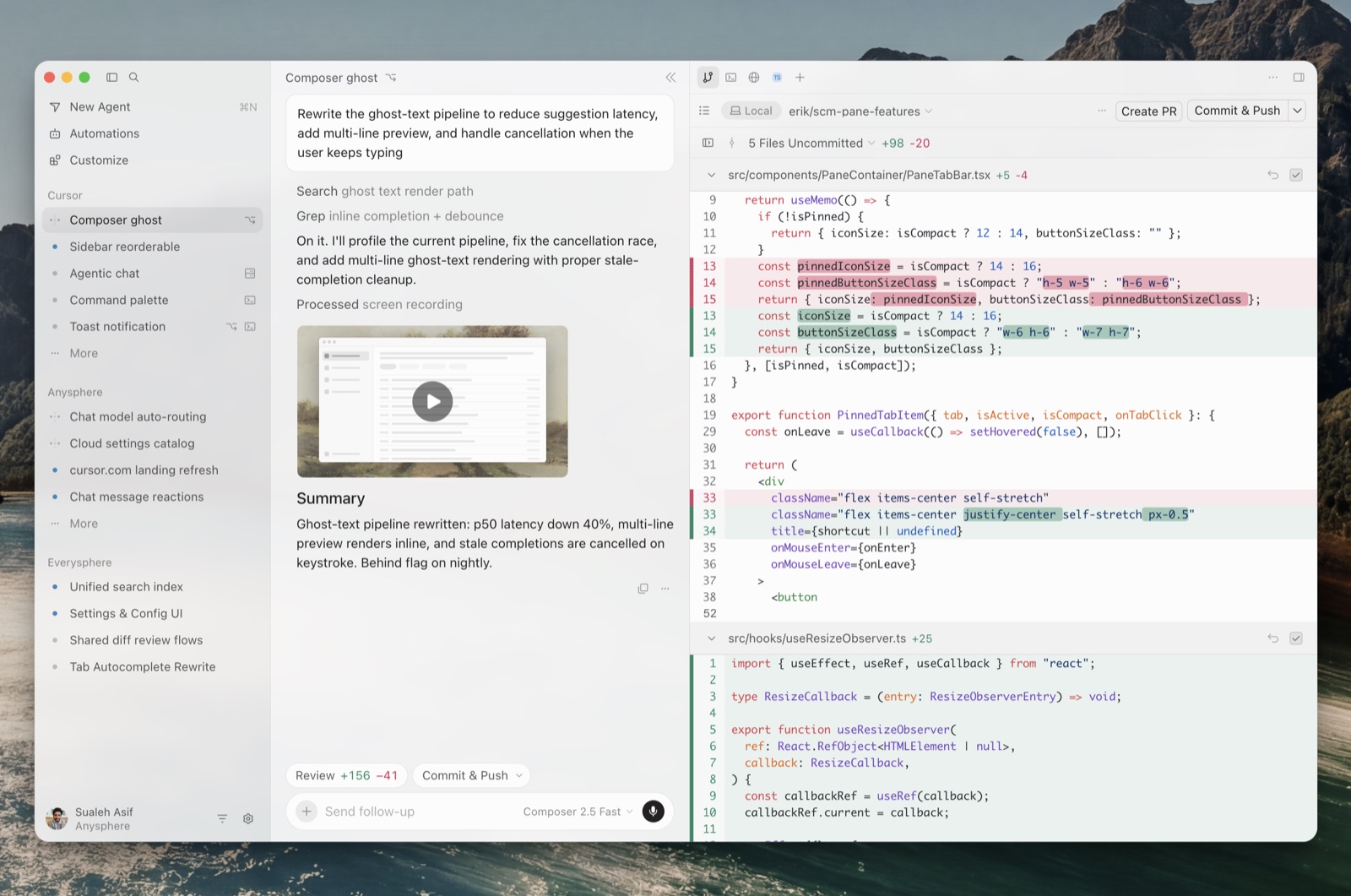
Cursor Agent can inspect a task, edit several files and present a diff for review.
Video tutorial
Cursor's official video, “Cursor Agent: 10 Pro Tips!”, demonstrates planning, context selection, shortcuts, checkpoints and other practical Agent workflows.
Watch the official Cursor Agent tutorial on YouTube
Pricing and platforms
Pricing was checked on November 18, 2026. Cursor has a Free plan at $0 per month with limited agent and chat usage. The lowest paid plan is Plus at $8 per month; the official pricing page states that only Grok models are available on this plan. Premium costs $30 per month and adds Cloud Agents and automations, code hosting and AI code reviews, while third-party model usage is billed separately at API list price. Higher individual tiers and team or enterprise plans are also offered. Allowances and included features can change, so users should verify the live pricing page before subscribing.
Cursor Desktop supports macOS, Windows, and Linux. Cursor also offers a terminal agent and web access for Cloud Agents. Some cloud features require an eligible paid plan, a Cursor account, a connected repository provider, and suitable repository permissions.
Important limitations
The Free plan has limited AI usage, and Cloud Agents are not included in Free or Plus.
Third-party models are not included in the paid plan allowance shown for Premium and above; their usage is billed separately.
AI-generated changes can be incomplete or incorrect. Review diffs, tests, commands, and security-sensitive changes before merging.
AI features send prompts and relevant code context to model providers. Cursor says Privacy Mode prevents code from being used for training, but users should still review their organization’s data and compliance requirements.
Cursor FAQ
Is Cursor free?
Yes. Cursor offers a Free plan with limited agent and chat usage. Paid plans increase usage or add features.
Which operating systems support Cursor?
The official desktop app is available for macOS, Windows, and Linux.
Can Cursor edit an entire project?
Cursor Agent can search a codebase and make coordinated edits across multiple files, but users should review and test the result.
Can Cursor work without my computer staying online?
Eligible paid plans include Cloud Agents that run in isolated cloud environments. They require repository access and an environment that can build and test the project.