
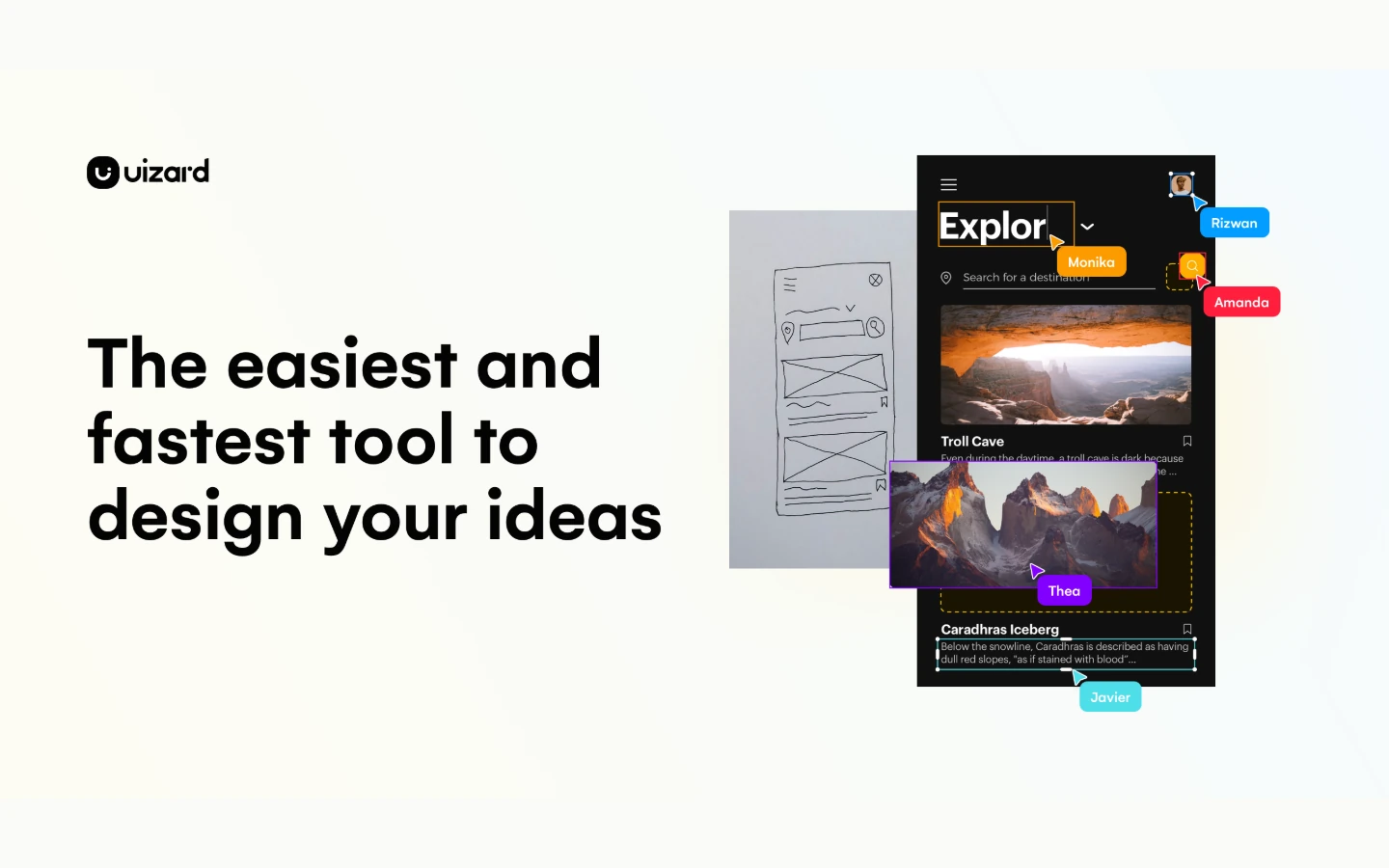
Uizard is a browser-based AI UI design and prototyping platform for product teams, founders, business analysts, students, and people without formal design training. It turns text prompts, screenshots, and hand-drawn wireframes into editable interface mockups for websites, web apps, and mobile apps. Uizard creates designs and clickable prototypes; it does not deploy a working website or application.
What is Uizard?
Uizard combines generative AI with a drag-and-drop editor. Autodesigner creates a multi-screen project from an English description, while the screen generator adds individual screens. Because the result uses editable UI elements, users can change text, colors, images, components, layout, and navigation.
The platform shortens early product-design work. Teams can explore an idea, prepare a wireframe, build a polished mockup, connect screens, collect comments, and hand the design to a developer from one browser workspace.
Key features and best use cases
Text-to-UI generation: Autodesigner creates editable, multi-screen app or website mockups from a written product idea.
Screenshot Scanner: Upload an interface screenshot and convert it into an editable mockup that can be restyled or rearranged.
Wireframe Scanner: Photograph or upload a hand-drawn wireframe in PNG, JPEG, or HEIC format and turn it into a digital design.
AI design assistance: Generate individual screens, themes, images, interface copy, attention heatmaps, and design-review suggestions.
Prototyping and collaboration: Add interactions between screens, preview a clickable flow, invite collaborators, receive comments, and share a public link.
Export and handoff: Export JPG, PNG, or PDF files. Pro adds developer handoff for React and CSS, but the output still requires engineering before it becomes a production product.
How to use Uizard
Open Uizard in a desktop browser and sign in. Create a blank project, start from a template, or choose an AI-assisted starting point.
Describe or upload the starting idea. Enter a clear English prompt for a website or app, upload a UI screenshot, or add a photograph of a hand-drawn wireframe.
Generate the first screens. Select the device type and visual direction, then review the screens or design alternatives produced by Uizard.
Edit the interface. Replace copy and images, move components, adjust colors and typography, apply a theme, and add any missing screens.
Build and review the flow. Connect screens, preview the prototype, invite feedback, and treat heatmaps or design review as directional input rather than verified research.
Share or hand off the result. Send a link, export files, or use Pro handoff. Developers must still implement the product logic, data, hosting, and security.
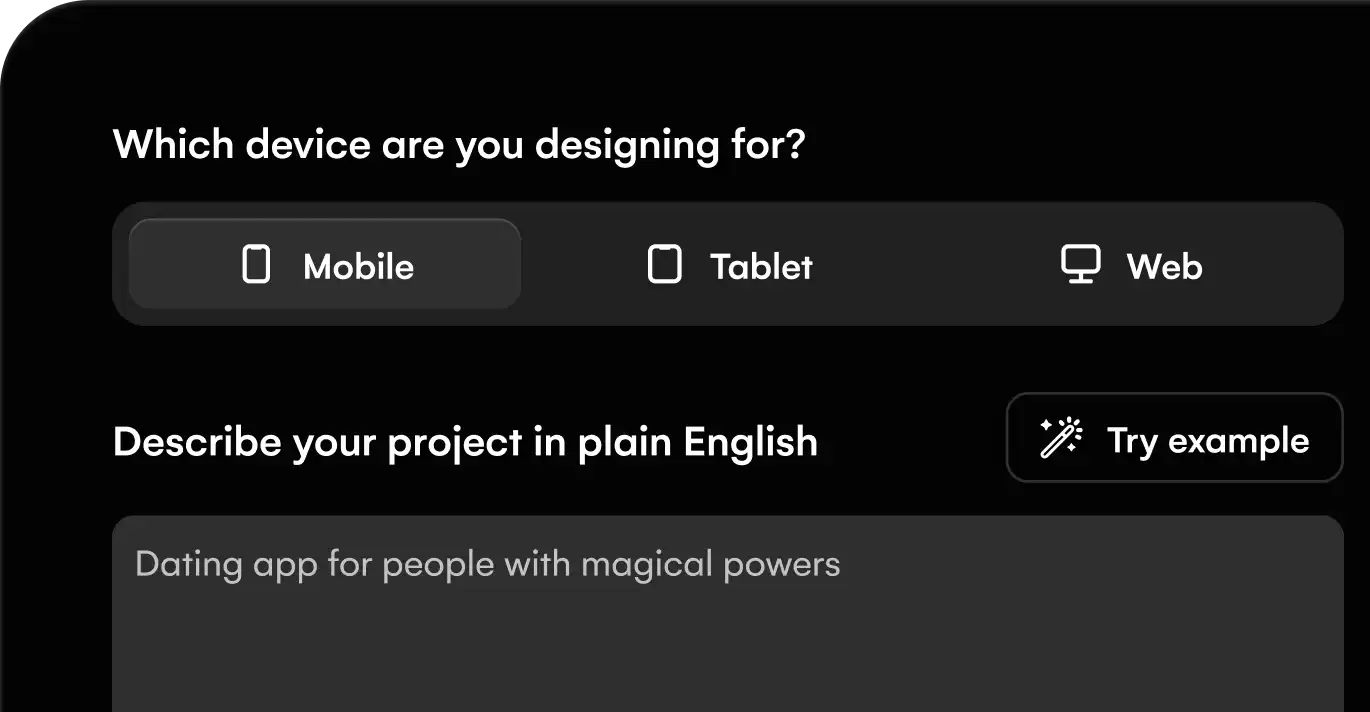
Choose a device format and describe the project in English so Uizard can generate an editable starting design.
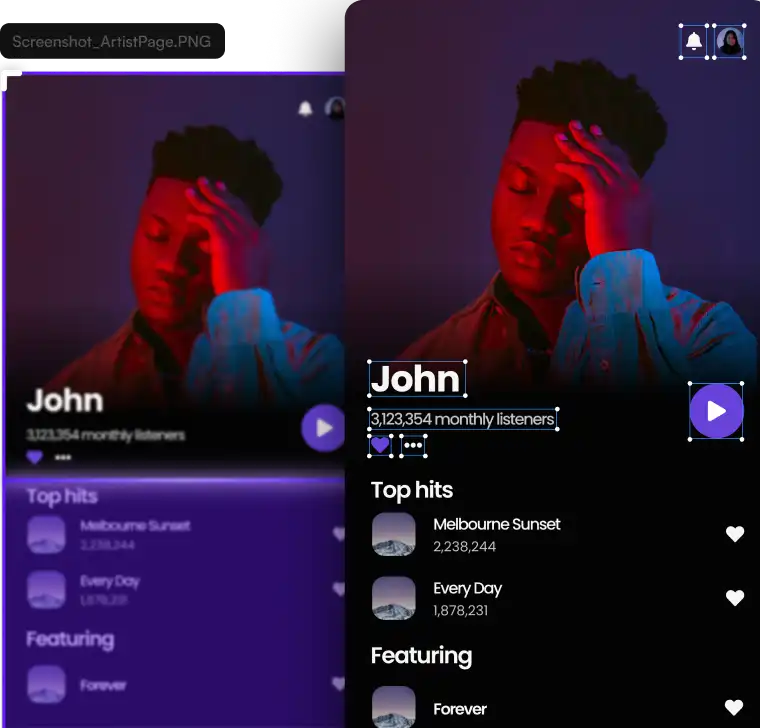
Screenshot Scanner converts a reference screenshot into an editable Uizard mockup that you can restyle and prototype.
Official Uizard Autodesigner 2.0 demo
This official Uizard keynote demonstrates Autodesigner 2.0 and its AI-assisted design workflow. The interface may change as the product is updated. YouTube
Pricing and platform
Pricing was checked on November 20, 2026. Uizard uses a freemium model. The Free plan provides three AI generations per month, Autodesigner 1.5, up to two projects, up to five screens per project, ten templates, up to 400 components, and JPG, PNG, or PDF export at 1× resolution. Private projects are not included on Free.
The lowest paid option displayed is Pro at $12 per creator per month when billed annually. Uizard's subscription documentation also lists Pro at $19 per creator with monthly billing. Pro includes 500 AI generations per month, Autodesigner 2.0, up to 100 projects, private projects, the full template library, and React/CSS developer handoff. Business costs $39 per creator per month with annual billing and adds 5,000 AI generations, unlimited projects, a custom brand kit, and priority support.
Uizard is a web application and requires an internet connection. It works directly in a desktop browser without an installed app or plugin. Uizard does not officially support editing on phones or iPads, so a laptop or desktop computer is the recommended platform.
Important limitations
Uizard produces mockups and interactive prototypes, not a deployed website or a functional native application.
It does not provide hosting, custom domains, a database, back-end logic, app-store publishing, or direct WordPress deployment.
Code files cannot be imported. Pro handoff is a starting reference, not guaranteed production-ready code.
Free usage is limited to three AI generations each month, two projects, and five screens per project. Uizard does not currently show a reliable remaining-generation counter.
Free projects cannot be private, and Free exports are limited to 1× resolution.
Autodesigner is optimized for English prompts. Other languages may work, but Uizard does not officially optimize them and results can vary.
AI layouts, copy, design reviews, and predicted attention heatmaps should be checked by a designer and tested with real users before development.
Uizard FAQ
Can I use Uizard for free?
Yes. Free accounts receive three AI generations per month, two projects with up to five screens each, ten templates, and basic 1× image or PDF export.
Can Uizard turn a screenshot or paper sketch into an editable design?
Yes. Screenshot Scanner converts interface screenshots into editable mockups, and Wireframe Scanner converts supported images of hand-drawn layouts into digital screens.
Can Uizard publish a real website or app?
No. Uizard creates UI designs and clickable prototypes. Development, data storage, hosting, security, and app-store submission must be completed with other tools or by developers.
Does Uizard generate code?
The Pro plan includes React and CSS developer handoff. It can help developers inspect and start implementing a design, but it is not a complete production application or a replacement for engineering review.