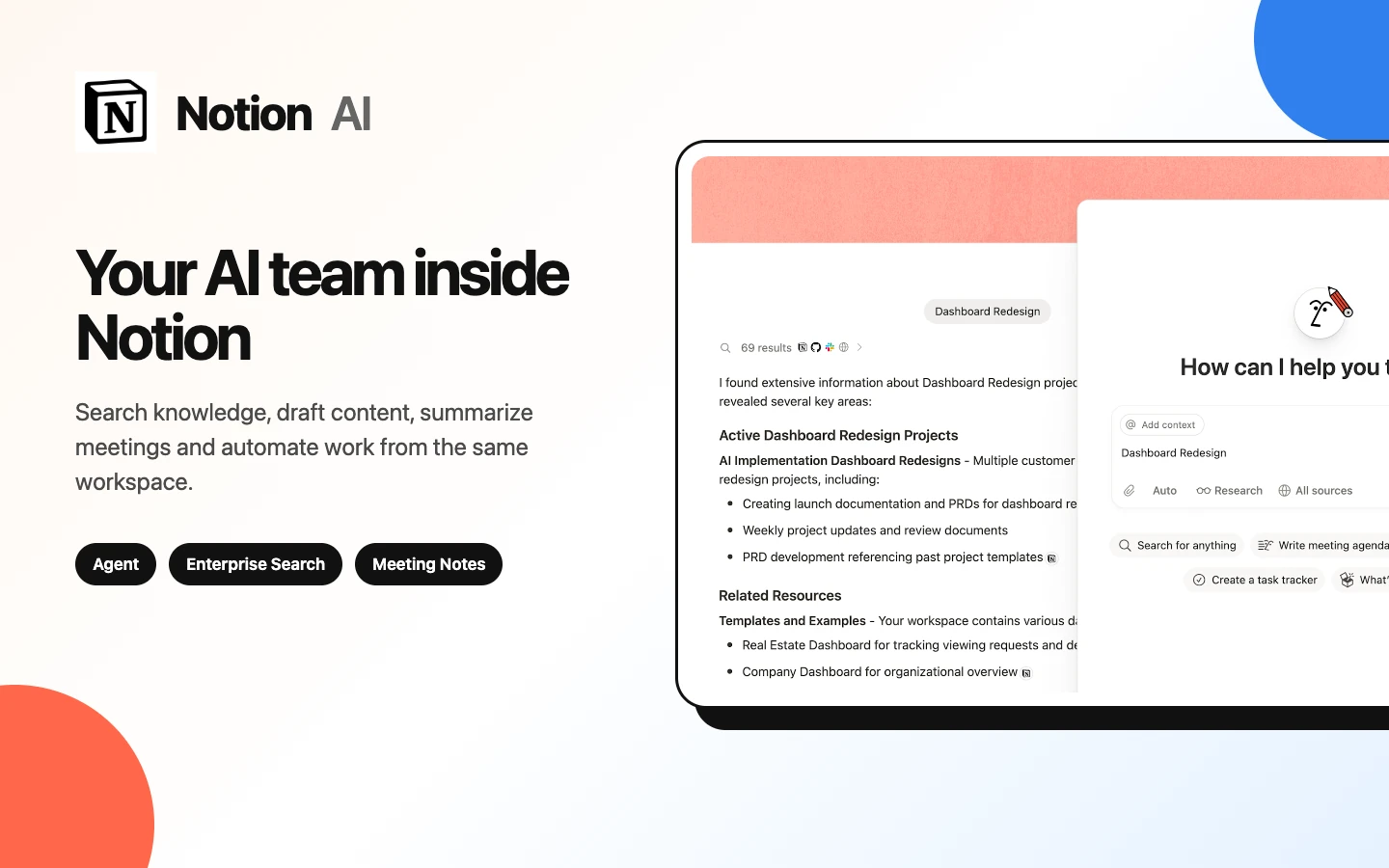
Notion AI is an AI teammate built into the Notion workspace for finding information, creating and editing pages or databases, summarizing meetings, researching topics, and completing multi-step work. It serves individuals and teams that already use Notion for documents, projects, knowledge, tasks, meetings, and business processes.
What is Notion AI?
Notion AI is part of Notion Labs, Inc.'s connected workspace rather than a separate chat tool. Its main interface, Notion Agent, can use the pages, databases, tasks, files, and connected services that a user is allowed to access. It can answer questions, create or revise workspace content, build databases, and carry out a plan across several steps while respecting the user's Notion permissions.
The product also includes Enterprise Search across Notion and supported connectors such as Slack, Google Drive, and GitHub; AI Meeting Notes for transcription, summaries, and action items; Research mode for sourced reports; inline writing tools; database Autofill and formula help; and Custom Agents that can run repeatable workflows from triggers or schedules.
Key features and useful scenarios
Notion Agent: Ask questions, generate reports, create or edit pages and databases, work with files, and perform multi-step tasks using workspace context.
Enterprise Search: Search Notion and connected apps from one place, then synthesize answers with links back to the available sources.
AI Meeting Notes: Capture a transcript, summary, decisions, and action items from a meeting after the required participant consent and device permissions are in place.
Research and writing: Produce a structured research report, brainstorm, summarize, rewrite, translate, or improve text directly inside a page.
Databases and files: Create databases, fill properties, help write formulas, read uploaded files, and generate downloadable documents or spreadsheets when supported.
Custom Agents: Automate recurring processes such as request triage, project updates, research monitoring, or follow-up work with configured triggers and instructions.
How to use Notion AI
Open Notion and choose the right workspace. Confirm that the pages, databases, and connected apps you want to use are available to your account.
Open Notion Agent. Select the Agent from the sidebar or use the face icon in the lower corner. On desktop, the documented shortcut can also open it quickly.
Describe the result and add context. State the audience, output, deadline, and constraints. Mention relevant pages, attach a file, or point the Agent to permitted connected sources.
Review the proposed plan. For a multi-step task, inspect what the Agent intends to read or change. Adjust the request before approving actions that affect workspace content.
Check the output. Verify facts, sources, database properties, dates, names, action items, and any generated files. AI output can be incomplete or incorrect.
Save or automate the workflow. Keep the result in a page or database, or create a Custom Agent when the same approved process should run repeatedly.
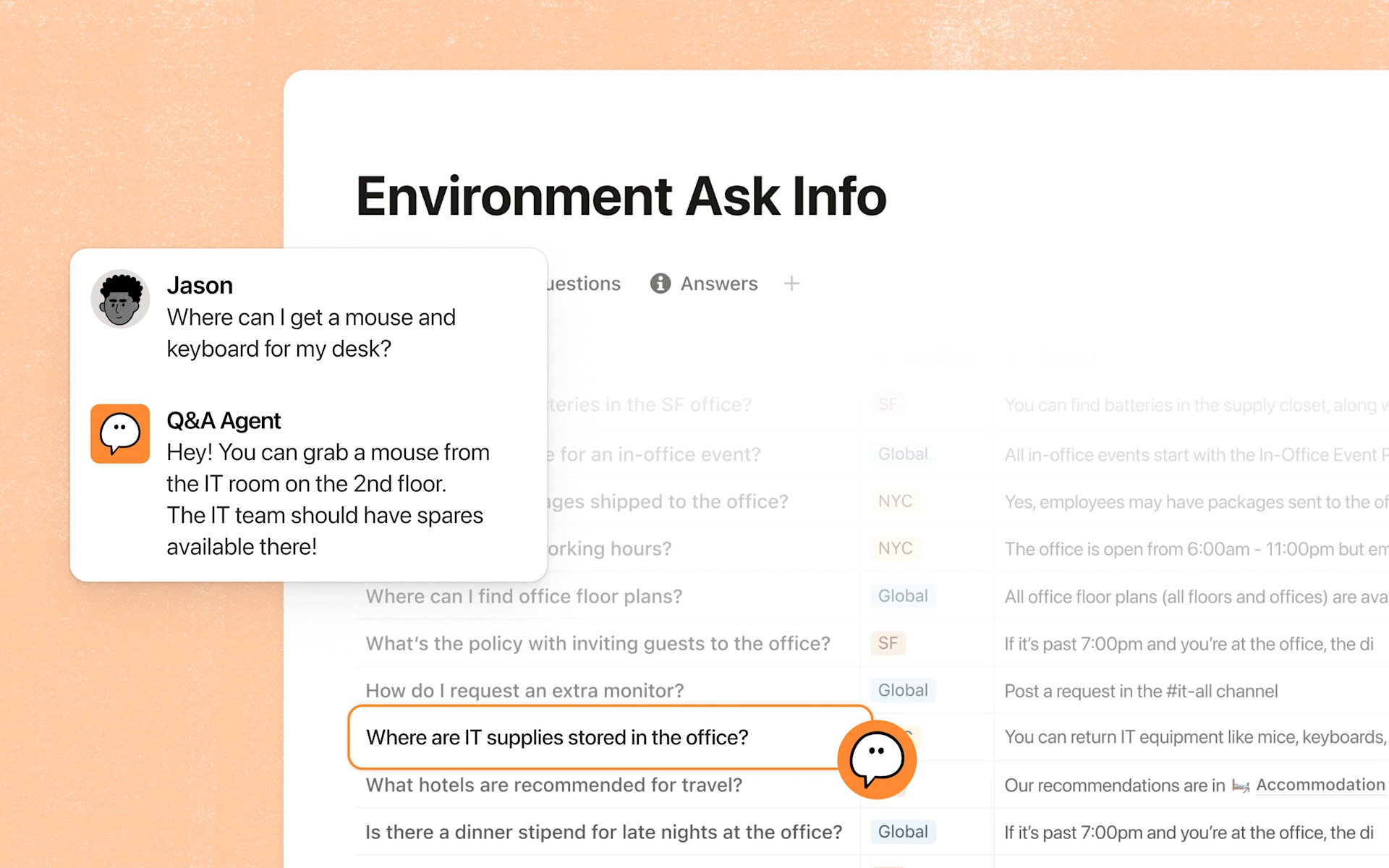
A Notion Custom Agent can use permitted workspace knowledge to answer recurring questions and support repeatable team processes.
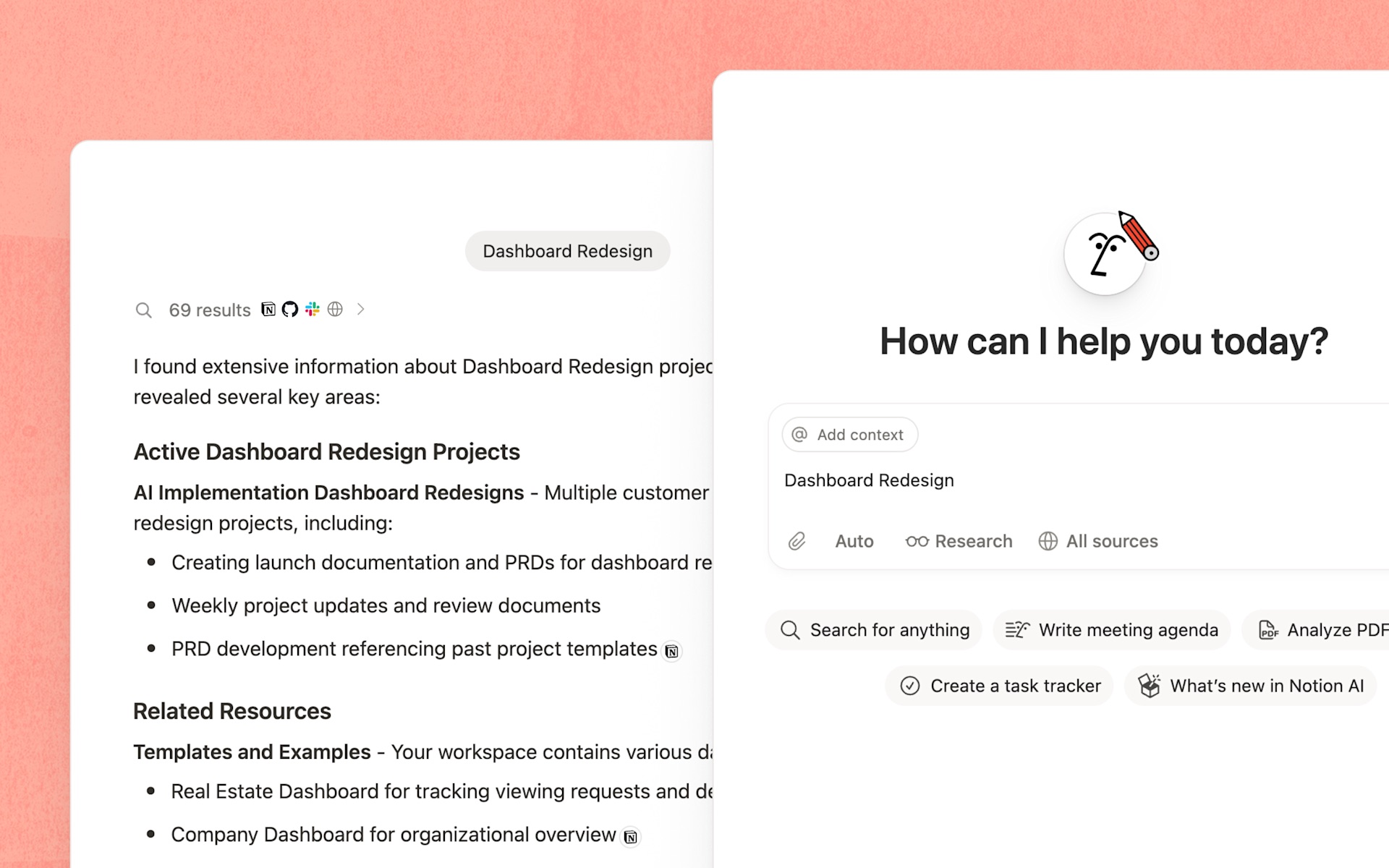
Notion Agent and Enterprise Search can gather context from the workspace and configured sources, then produce a structured answer with supporting material.
Official Notion AI workspace tutorial
This official Notion tutorial covers workspace basics, Notion Agent, databases, collaboration, and AI Meeting Notes. Available controls can vary by plan and platform. YouTube
Pricing and platforms
Pricing was checked on November 20, 2026. Notion AI uses a freemium model. Free and Plus workspaces receive a limited number of complimentary AI responses, but Notion does not publish one fixed trial count and access stops after those responses are used. Ongoing included AI access is centered on Business and Enterprise plans.
The lowest clearly listed plan with ongoing Notion AI access is Business at $20 per member per month when billed annually. Notion's current AI usage system typically gives each Business or Enterprise member monthly Standard and Select allowances; official help currently describes 1,500 Standard credits and 500 Select credits per member in common arrangements. Allowances can vary by contract, do not transfer between members, and do not roll over. Optional Notion credits and high-consumption models can create additional usage charges when an administrator enables them.
Notion AI is available through Notion on Web, iOS, Android, Windows, and macOS. The main Notion apps provide AI access, while some advanced administration, integrations, and agent actions remain limited to web or desktop.
Important limitations
Free and Plus plans only include a limited, unpublished number of complimentary AI responses; they are not a permanent recurring free AI allowance.
Standard and Select allowances are separate, reset monthly, cannot be transferred, and do not roll over. Extra or high-consumption model usage may require paid Notion credits.
Notion Agent cannot change sharing permissions, create comments, manage billing or workspace security, start AI Meeting Notes, create reminders, or perform several other administrator actions.
Mobile apps cannot perform every desktop task, including some imports, workspace administration, and certain calendar or connector actions.
AI Meeting Notes requires participant consent and operating-system recording permissions. A recording must be long enough for Notion to produce a useful summary.
Generated answers, research, formulas, transcripts, and action items require human review. The Agent only uses information the current user is permitted to access.
Notion AI FAQ
Can I use Notion AI for free?
Yes, Free and Plus workspaces receive limited complimentary AI responses for evaluation. Notion does not publish a universal response count, and continued access requires a qualifying paid plan after the trial responses are used.
What can Notion Agent change?
It can create and edit pages and databases, analyze permitted workspace or connected-app context, and complete many multi-step tasks. It cannot change page permissions, manage billing or security, or perform every administrative action.
Does Notion AI search Slack or Google Drive?
It can search supported connected services such as Slack and Google Drive when a workspace administrator has configured the connector and the user has permission to access the underlying content.
Does Notion use customer data to train AI models?
Notion says customer data is not used to train its models by default. Data handling and retention depend on the plan, selected model, and connected provider, so organizations should review the current AI security and privacy documentation.